What a rollout looks like.
No borrowed logos and no invented quotes. This is the plan we walk every new company through, shown on Northwind, the fictional retailer in all our product screens: what happens in the first week, who owns each part, and where different teams tend to start.
Five days from sign-up to a job that runs itself.
Illustrative. Your week depends on your review process and how much you connect on day one, but the order holds: rules first, then people, then data, then automation.
- Day 1
Set the rules before anyone arrives
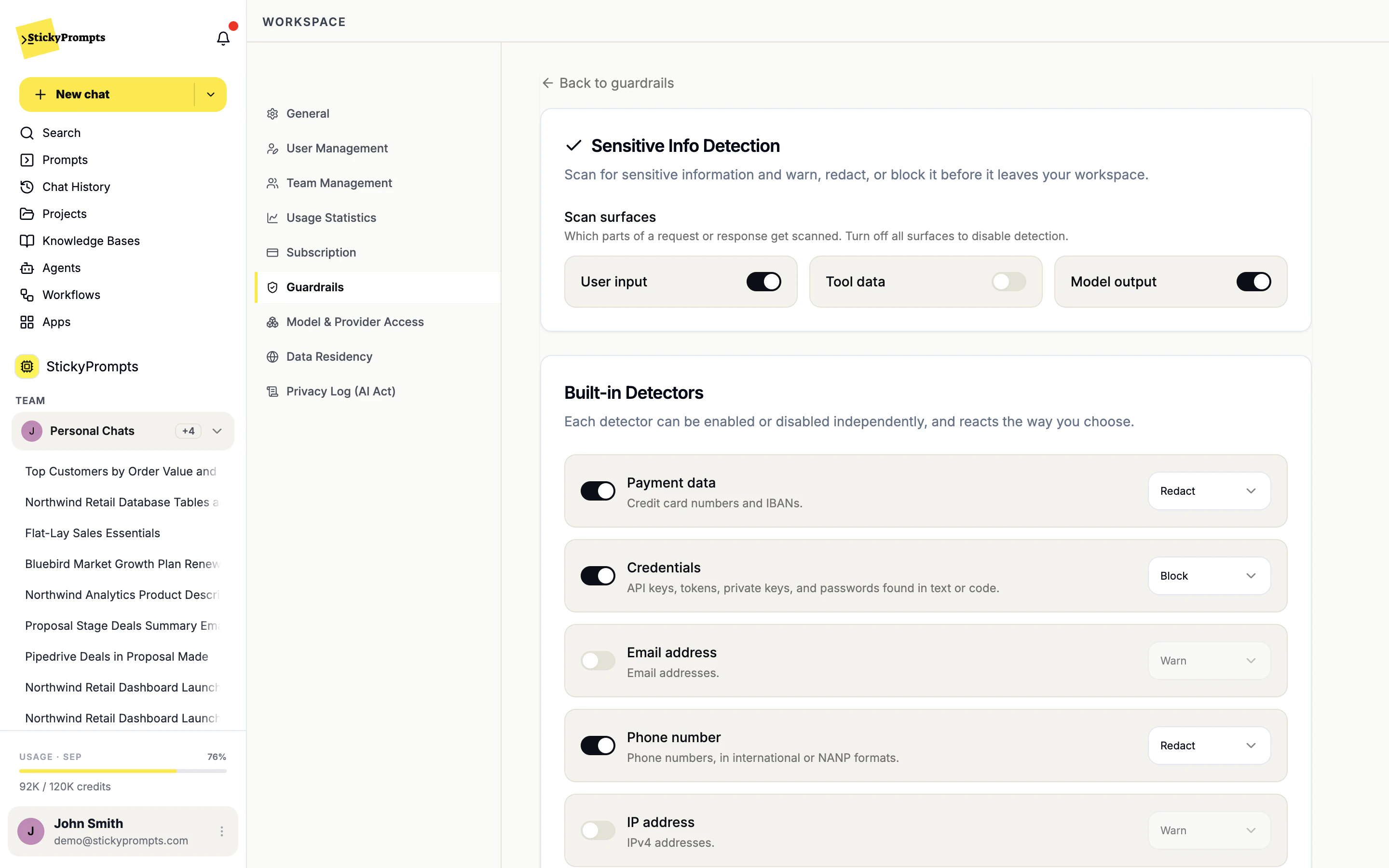
Workspace admin, usually ITNorthwind's admin opens the workspace settings before inviting a single person. Data stays in the EU by default. Sensitive info detection goes on, set to redact card numbers and phone numbers and to block credentials. Providers the security team has not reviewed are blocked.
- Data residency checked
- Sensitive info detection on
- Provider access reviewed
- Day 2
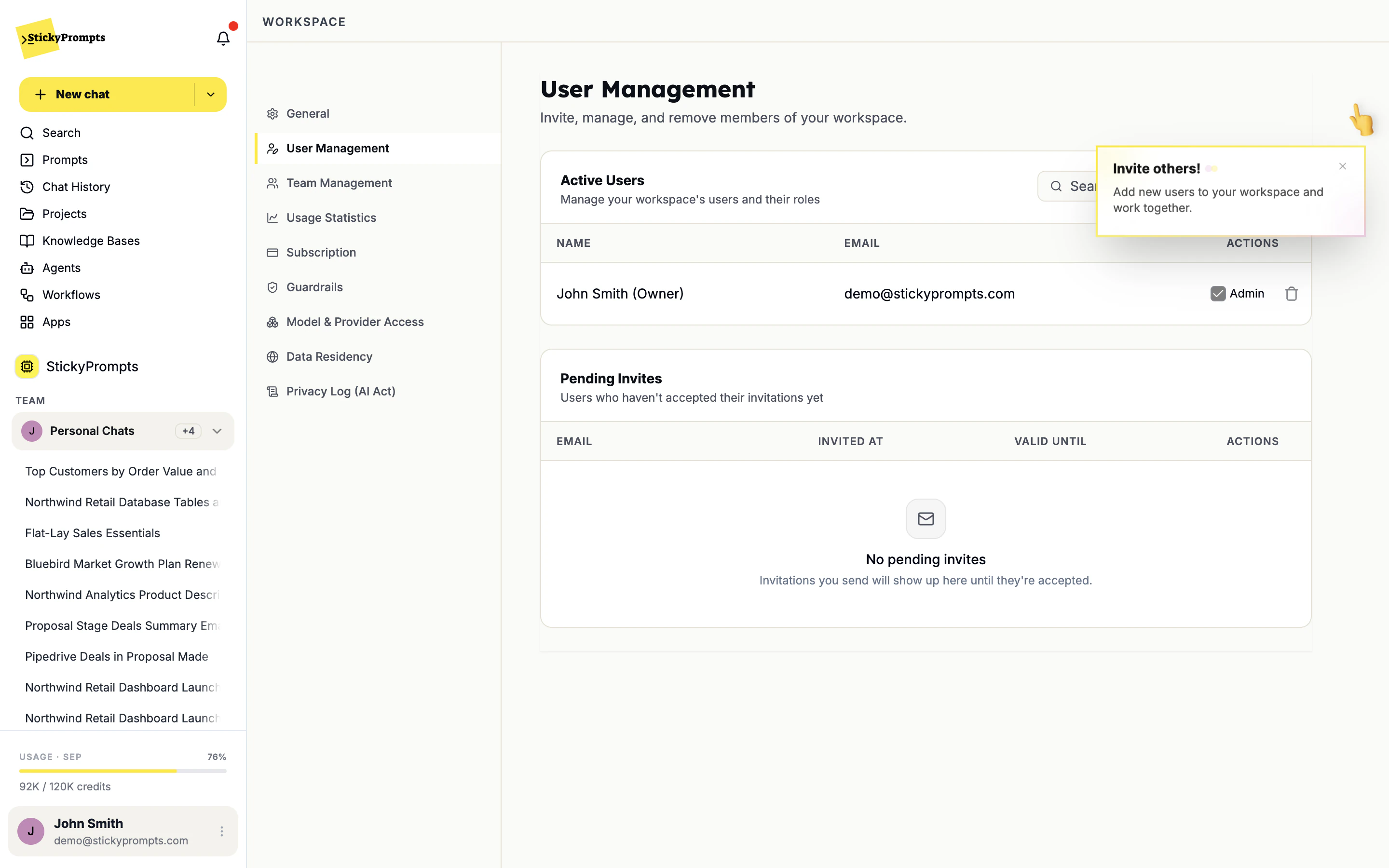
Teams, owners and the first invites
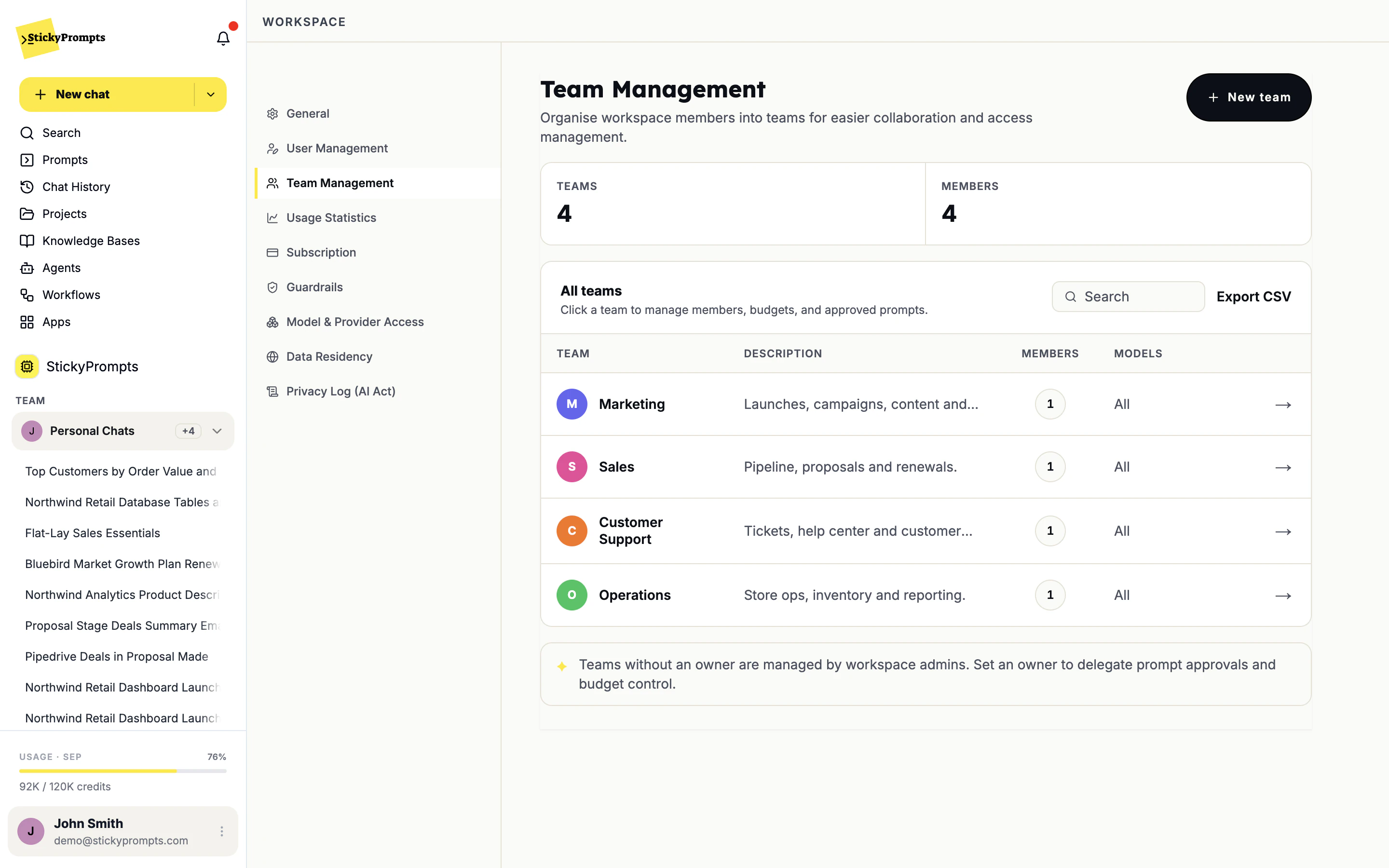
Workspace admin with each team leadTeams mirror the org chart: Marketing, Sales, Customer Support, Operations. Each gets an owner who approves the team's shared prompts and manages its budget. Domain-based joining lets anyone with a company address sign in without a ticket.
- Teams created
- Team owners named
- Domain joining on
- Day 3
Connect what the work depends on
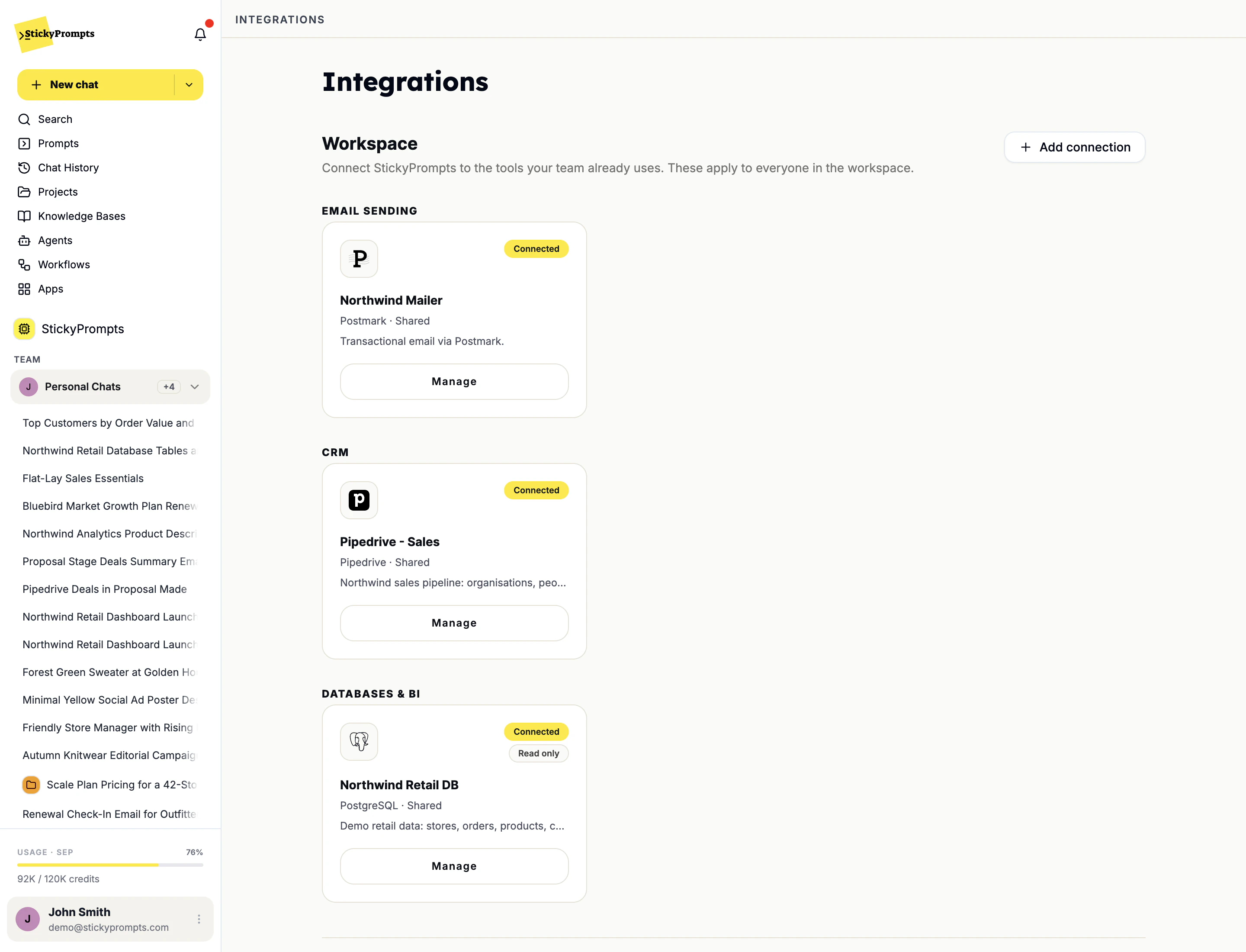
IT for databases, team leads for the restCustomer Support uploads the help center into a knowledge base. IT connects the retail database read-only through an SSH jump host, and adds Postmark for email and Pipedrive for the pipeline. Everything connected here is shared with the whole workspace.
- Knowledge base uploaded
- Database connected read-only
- Email and CRM connected
- Day 4
One agent and a handful of shared prompts
Team ownersSupport builds a triage agent that answers from the help center and cites the file. Marketing saves its best brief as a prompt with variables. The point is a working example each team can copy, not a training deck.
- First agent live
- Shared prompts in the library
- Day 5
The first job on a schedule
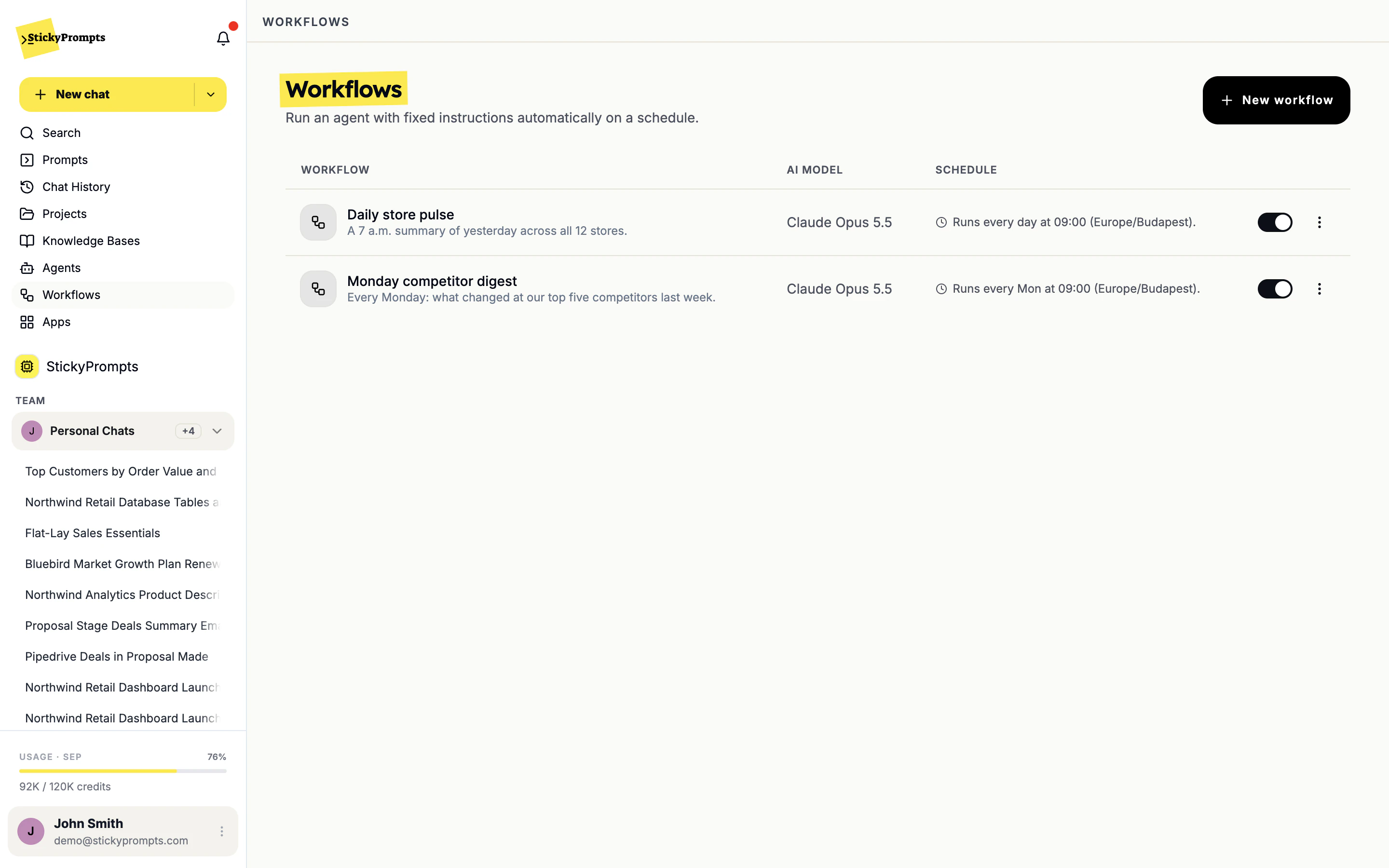
OperationsThe Monday report nobody enjoys becomes a workflow: read the database, write the summary, email it at 9. It runs by hand for a few weeks first, and every result is kept in its history, before anyone trusts the schedule.
- First workflow built
- Run history checked
Four roles, and nobody waiting on IT for a prompt.
Admins set the boundaries once. Team owners run their own team inside them. Everyone else just works.
Workspace admin
- Data residency and inference constraints
- Guardrails and custom patterns
- Model & provider access
- Users, invites and domain joining
- Workspace integrations
Team owner
- Team members
- Approving the team's shared prompts
- The team's budget
- Which models the team can use, within the admin's rules
Security and compliance
- Reviewing the privacy log
- Exporting it for audits
- Signing off the provider list
Everyone else
- Chats, projects and team chats
- Their own prompts and personal connections
- Picking the best model for the job
Team owners, budgets and approved prompts are explained on roles and permissions. Teams also get their own team chats, where the AI answers only when someone asks it to.
Same plan, different first move.
Four common starting points. They are scenarios, not case studies: the situation, the first thing to do, and what to watch to know it is working.
A regulated firm that needs sign-off first
- Starting point
- Two AI pilots have already stalled in risk review on the same three questions: where the data goes, who approved the model, where the record is.
- First move
- Walk Risk through the settings before the pilot: EU storage, zero-data-retention providers only, redaction on, and the privacy log export.
- What to watch
- Whether the second line can answer its own questions from the console.
An IT team replacing shadow AI
- Starting point
- Company data is already in consumer AI tools, and blocking them only stopped people mentioning it.
- First move
- Lock the workspace down on day one, open it to one department, and let the old subscriptions lapse as people move over.
- What to watch
- Which teams arrive on their own once the first one is using it.
A retailer with a content backlog
- Starting point
- Product copy is months behind and every market writes its own prompt in its own voice.
- First move
- One shared prompt per content type, then Excel AI over the catalogue export to fill the description column.
- What to watch
- How much of the first draft survives review unchanged.
A finance team at month-end
- Starting point
- The first week of every month goes on exports, reconciliations and commentary written from scratch.
- First move
- Connect the finance database read-only, and turn the Monday summary into a workflow that emails the CFO.
- What to watch
- Whether the commentary draft saves the controller a morning.
- Guardrails set before the first invite, not after an incident
- One team goes first, and the others copy a working example
- Shared prompts carry adoption further than a training session
- Security reviews one vendor instead of one per capability
- Old subscriptions lapse as people move over, not by decree
- Automation comes second, once people trust the manual version
Start with one team and one real task.
Start free with a $5 trial balance, or book a call and we will plan your first week with you.