VIDEO TUTORIALS
Learn StickyPrompts in short videos.
A narrated tour, a fourteen-part series and quick tips, all recorded in the live product on a demo workspace for Northwind, a fictional retailer. Real models, real connections, real answers.
Start here
The whole product, start to finish.
The full tour shows everything in under three minutes. The short one covers the essentials in two.
The series
Fourteen tutorials, about 21 minutes.
From your first chat to the API, in order. Each one picks up where the last left off, and each stands on its own.
-
 2:41 Tutorial 1 of 14 Getting started: your first chat
 -
 2:03 Tutorial 2 of 14 Make it yours: snippets and styles
 -
 1:19 Tutorial 3 of 14 Your documents: knowledge bases and projects
 -
 1:28 Tutorial 4 of 14 Agents: assistants for one job
 -
 1:15 Tutorial 5 of 14 The prompt library
 -
 1:28 Tutorial 6 of 14 Connect your tools
 -
 1:10 Tutorial 7 of 14 Workflows: AI on a schedule
 -
 1:23 Tutorial 8 of 14 Images, video and audio
 -
 1:09 Tutorial 9 of 14 Documents and spreadsheets
 -
 0:58 Tutorial 10 of 14 Team chats
 -
 1:25 Tutorial 11 of 14 Admin and governance
 -
 1:53 Tutorial 12 of 14 The API
 -
 1:48 Tutorial 13 of 14 The MCP server
 -
 1:11 Tutorial 14 of 14 The docs
Tips
One thing each, in under half a minute.
A setting, a button or a habit worth picking up, shown once in the app.
-
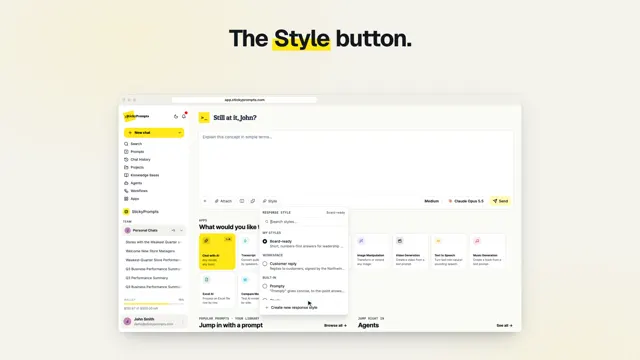 0:24 Tip Change the tone in one click
 -
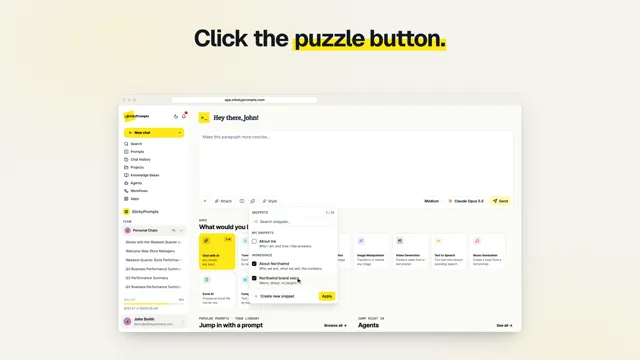 0:24 Tip Stop pasting the same context
 -
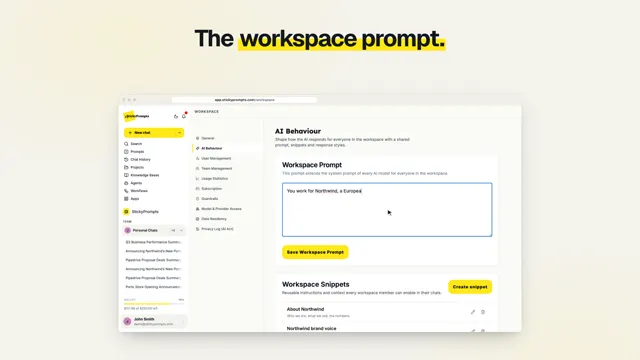 0:20 Tip One prompt for every chat
 -
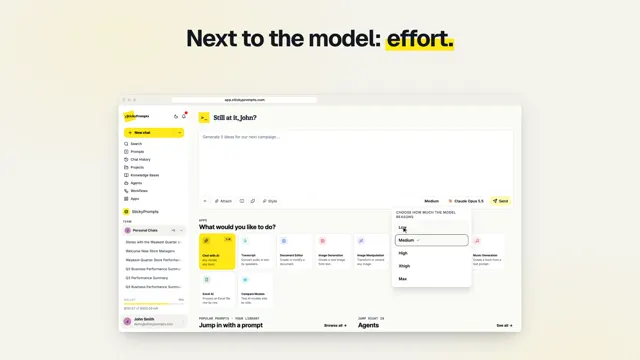 0:22 Tip Turn up the reasoning
 -
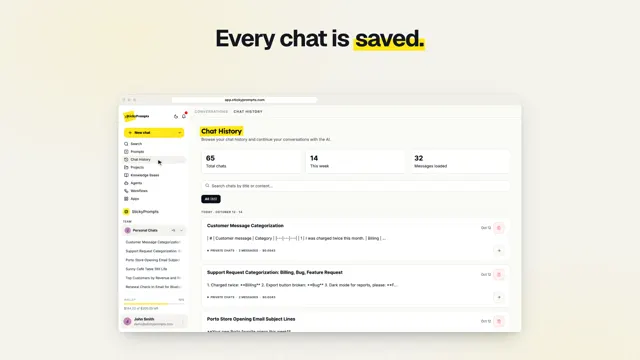 0:23 Tip Find any chat
 -
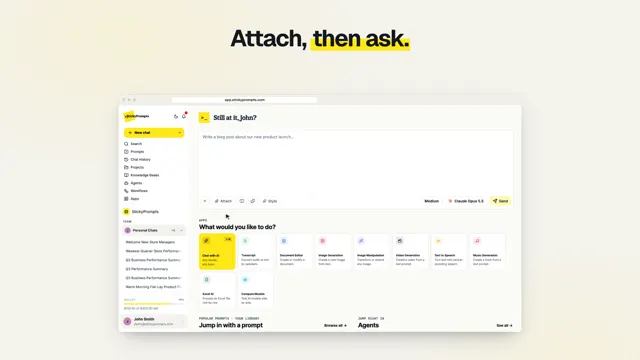 0:22 Tip Ask about your own files
 -
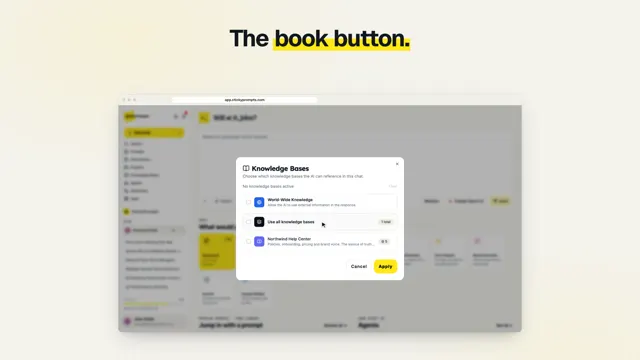 0:22 Tip Answers from your own documents
 -
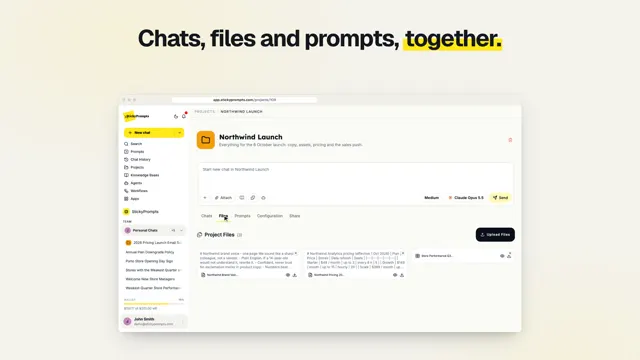 0:20 Tip Keep a big piece of work together
 -
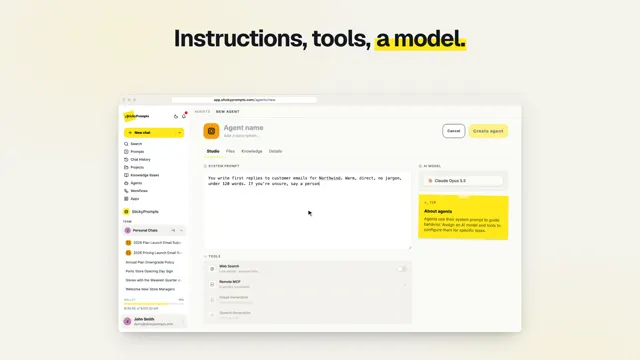 0:25 Tip Build an agent in a minute
 -
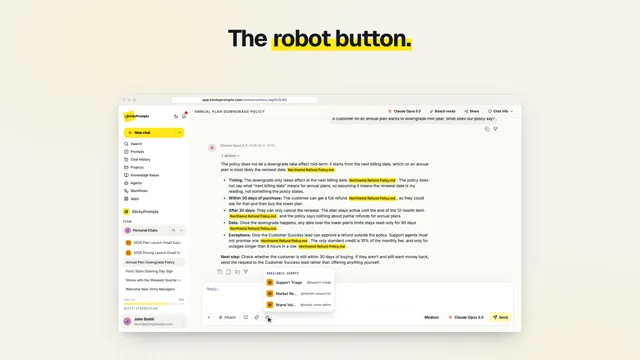 0:19 Tip Bring an agent into any chat
 -
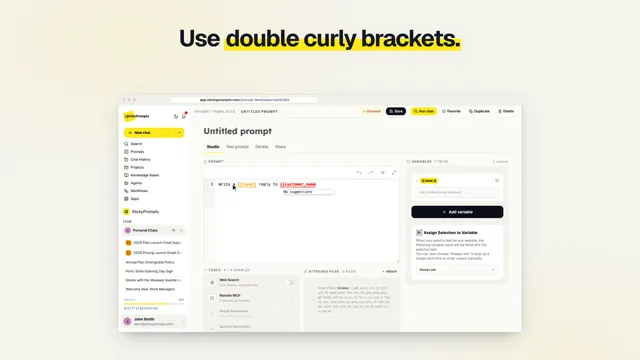 0:21 Tip Prompts with blanks to fill in
 -
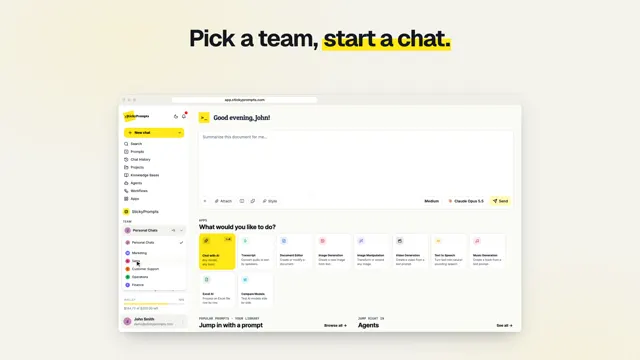 0:25 Tip Bring the AI into a team chat
 -
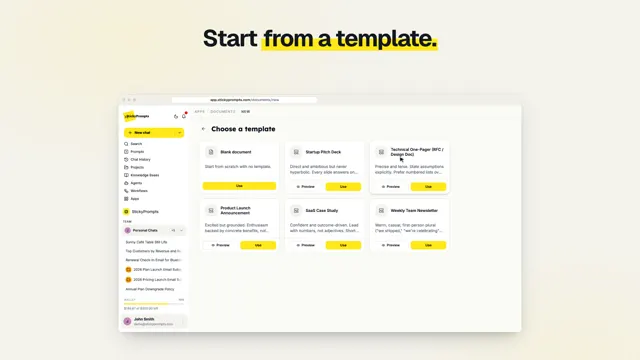 0:23 Tip Draft a document, then refine it
 -
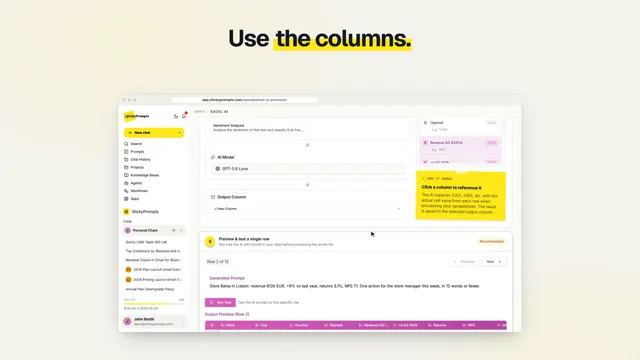 0:22 Tip One prompt for every row
 -
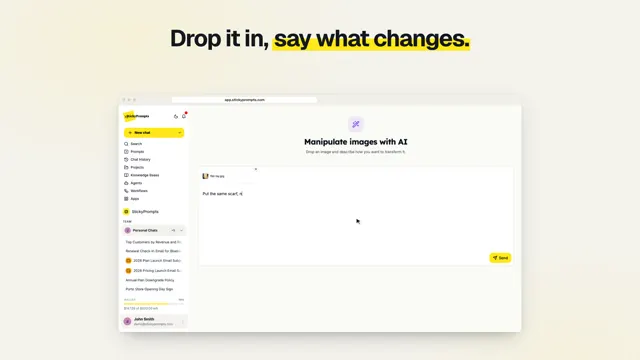 0:17 Tip Change a photo with words
 -
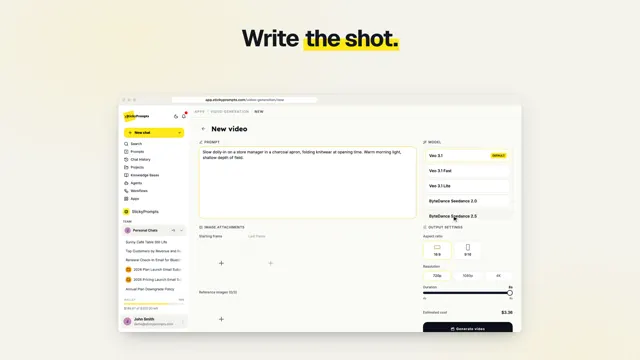 0:22 Tip Make a video from a script
 -
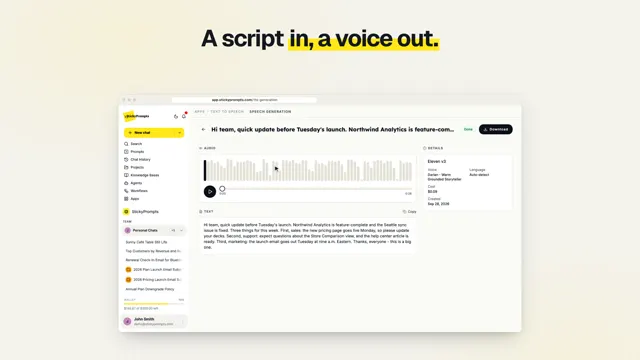 0:21 Tip Voiceovers and music
 -
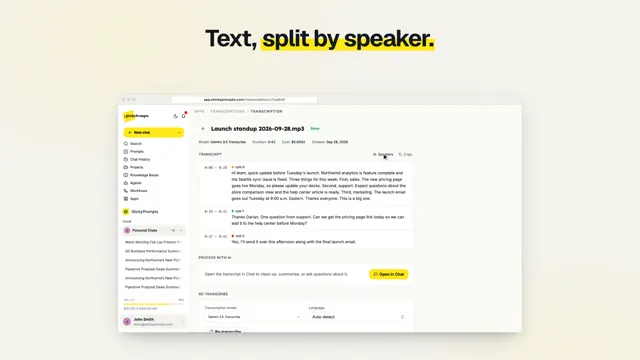 0:17 Tip Meeting recording to action points
 -
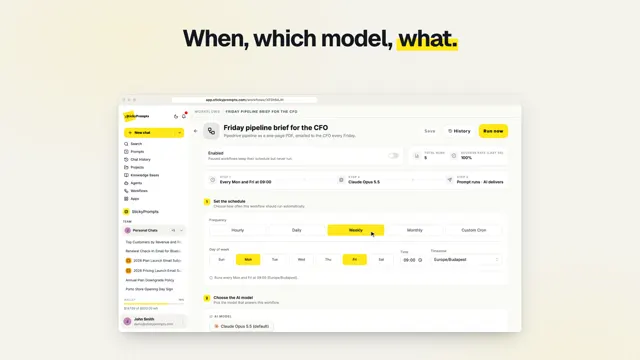 0:22 Tip Put a weekly report on a schedule
 -
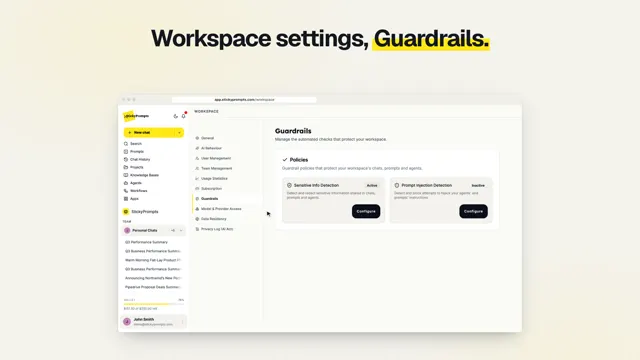 0:25 Tip Keep card numbers out of the AI
 -
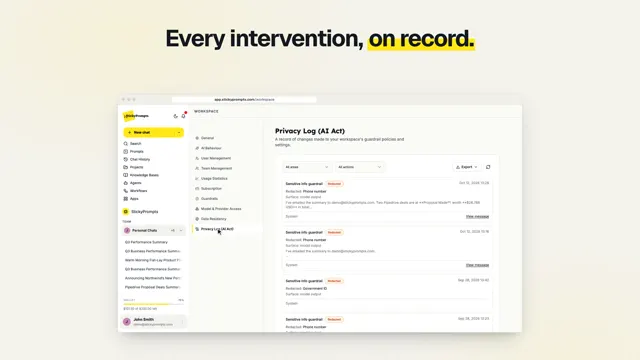 0:17 Tip A record of every intervention
 -
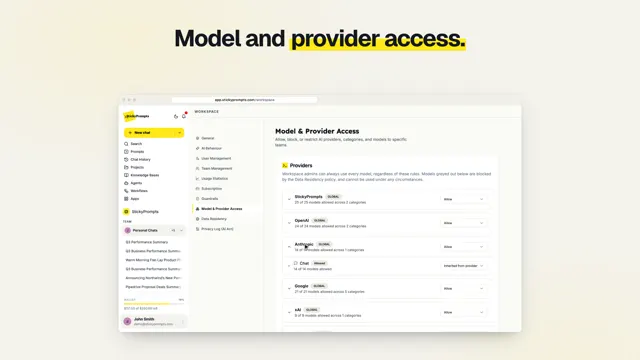 0:20 Tip Choose which models your company uses
 -
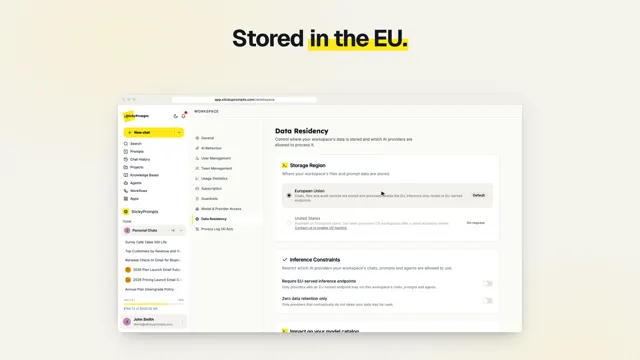 0:21 Tip Where your data lives
 -
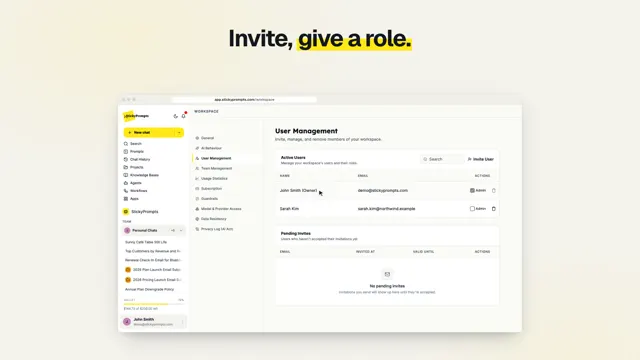 0:24 Tip People, roles and teams
 -
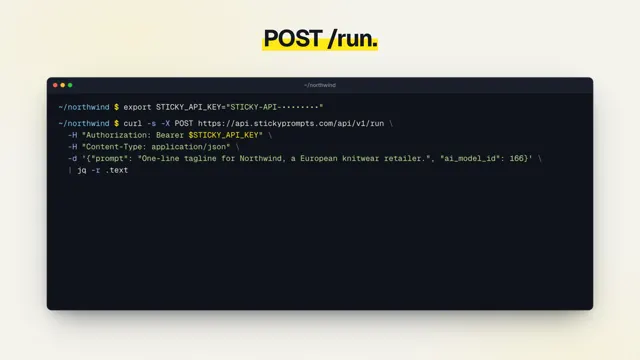 0:17 Tip Ask a model from any script
 -
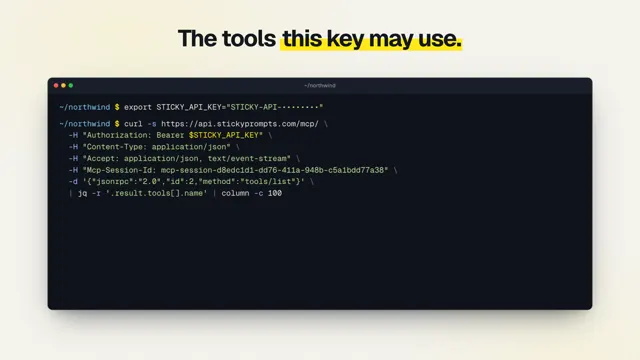 0:21 Tip StickyPrompts in Claude Code and Cursor
For your team
What it does for sales, support, ops and more.
Under a minute each, made to share with the team you have in mind.
-
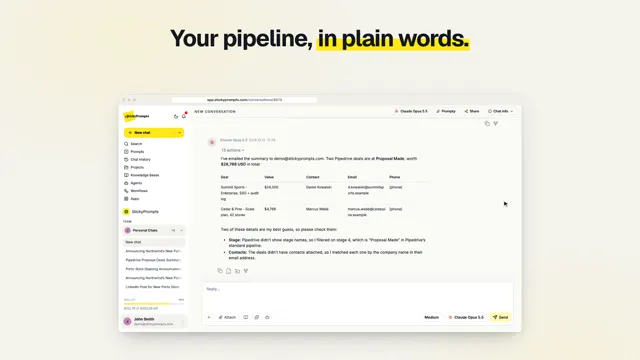 0:43 Film For sales teams
 -
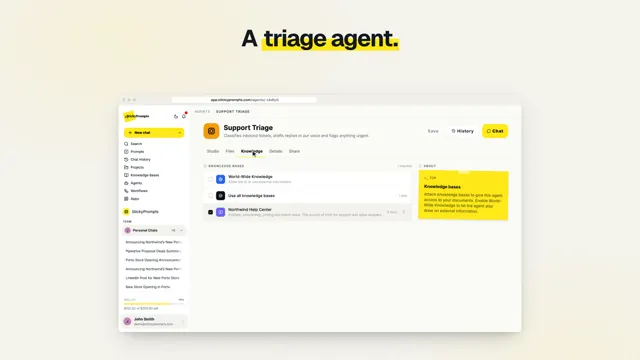 0:42 Film For support teams
 -
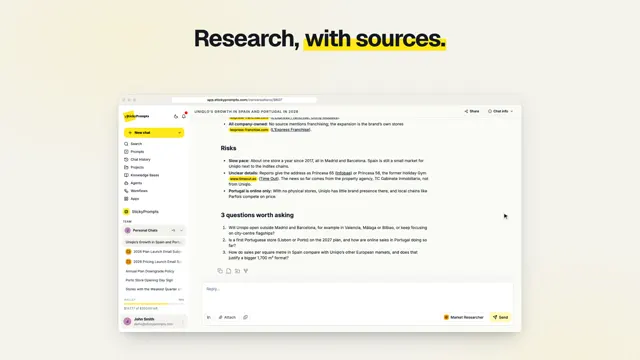 0:40 Film For marketing teams
 -
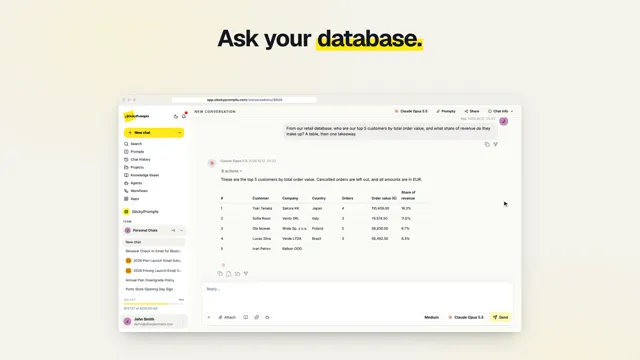 0:41 Film For operations and finance
 -
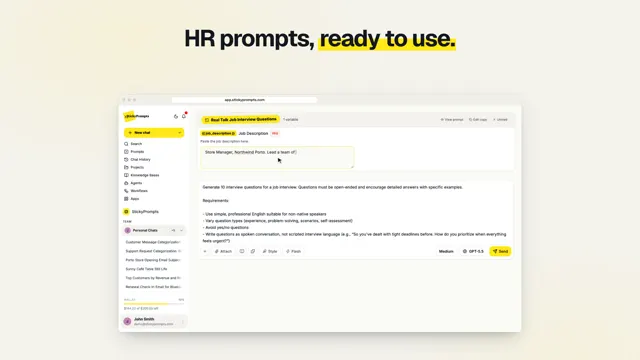 0:36 Film For HR teams
 -
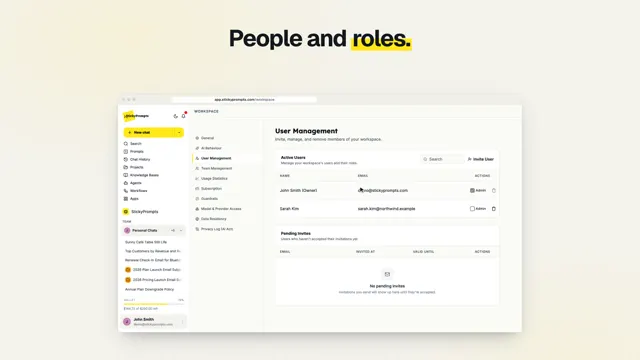 0:45 Film Rules by you
 -
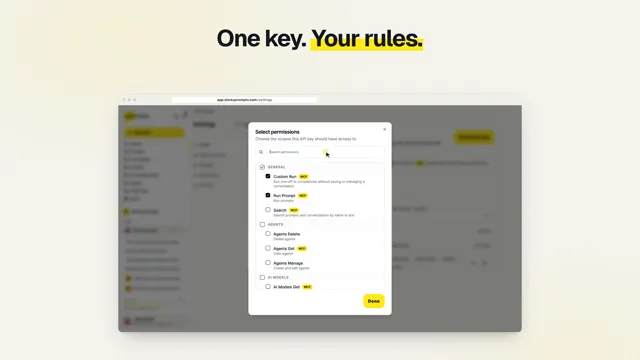 0:42 Film Your workspace, in your code
 -
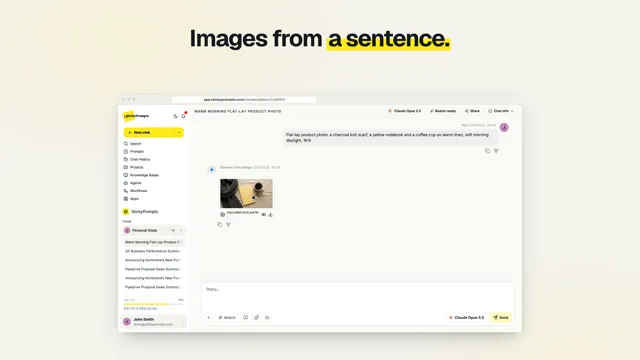 0:48 Film More than words
 -
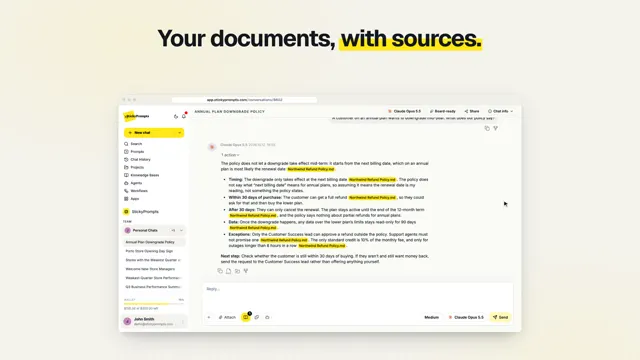 0:41 Film AI that knows your business
 -
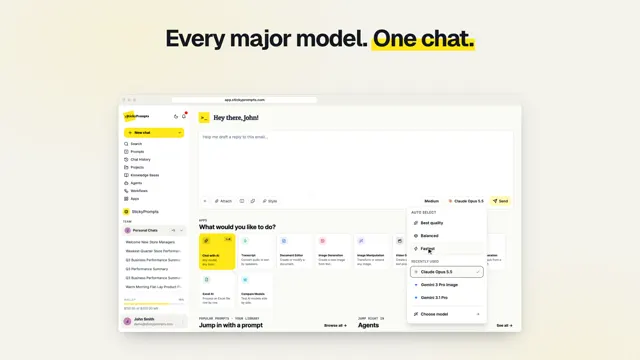 0:53 Film Every model, one workspace
 -
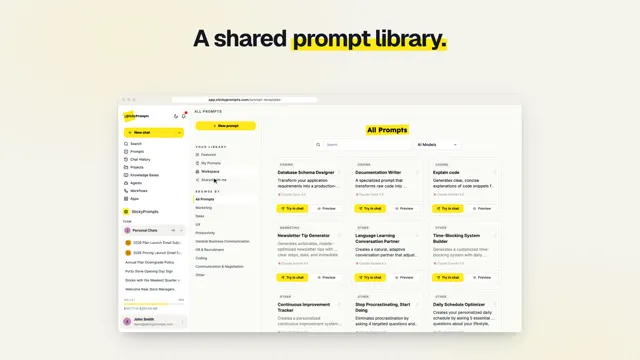 0:36 Film Better together
Free plan
$5 of AI usage to start. No card needed.
Your turn
Everything in these videos is one sign-up away.
Start free, and follow along in your own workspace. The docs have every step in writing.