One workspace for everything AI in your company.
Chat with the best model for the job, build agents on your own documents, put reports on a schedule, and make images, video and speech. Every team works in the same place, under rules IT sets once.
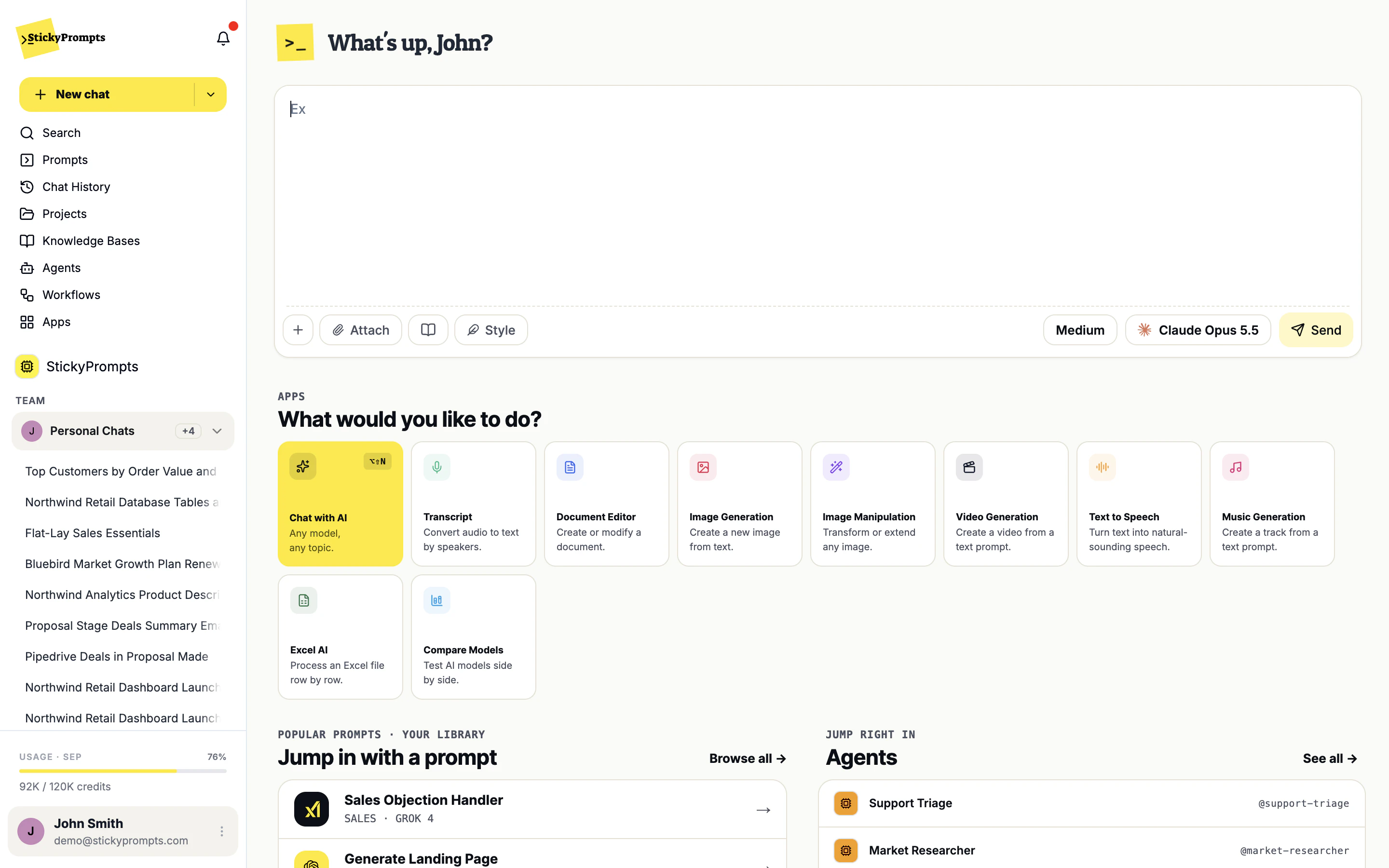
See it working first.
Unedited recordings of the live app, on a demo workspace for Northwind, a fictional retailer. Further down, you can try each idea for yourself.
Every leading model. One chat.
GPT, Claude, Gemini, Grok, Mistral and open-weight models sit in one model picker. Choose one yourself, switch mid-conversation, or let auto select pick the best model for the job. Try it on the right with a Northwind question.
- Auto select for best quality, balanced or fastest
- Compare two to five models on the same prompt
- Bring your own provider keys on Business and Enterprise
Three changes versus Q2 worth the board's time:
1. Like-for-like sales +6%, with knitwear doing most of the work.
2. Gross margin down 1.5 points: markdowns ran two weeks longer.
3. Click-and-collect is now 22% of online orders, up from 15%.
Set it once. It runs on time.
Write what should happen in plain English and put it on a schedule. Here, a workflow pulls the pipeline from Pipedrive, turns it into a PDF brief and emails it to Northwind's CFO. Nobody typed her address: it found her through the Finance team.
- Hourly, daily, weekly, monthly or a custom cron, plus Run now
- Uses the same connected tools and MCP servers as chat
- Run history with the result of every run
Ask in a sentence. It does the steps.
Connect your CRM, email sender and databases once for the whole workspace. Then one request can find the Proposal Made deals in Pipedrive and email a summary, with every tool call visible in the chat.
- Pipedrive, ActiveCampaign and Brevo, read-only unless you allow writes
- PostgreSQL, MySQL, MariaDB and SQL Server, over an SSH jump host if they are private
- Remote MCP servers for agents and workflows
Work it out together, with AI on call.
Team chats put a whole team in one conversation. People talk to each other as usual, and the AI answers only when someone mentions @ai or switches it on, with the full thread as context. Prompts that work get saved to the library and shared with the workspace.
- Pick a team in the sidebar and start a team chat
- The AI stays quiet until someone asks for it
- Shared prompts, projects and knowledge bases for every team
Powerful AI, under your control.
Set the rules once in the workspace settings. Card numbers, credentials and IDs are warned about, redacted or blocked before a model sees them. Admins decide which providers each team may use and where data is processed, and every guardrail trigger lands in the privacy log.
- Sensitive info detection on input, tool data and model output
- Allow, block or limit each model provider per team
- EU data storage by default, with EU-only inference if you need it
- A privacy log you can filter and export
Give every team one AI workspace.
Start free with $5 of AI usage. No card required. Invite your colleagues the same day.