Spend month-end on the analysis, not the assembly.
The first week of every month goes on assembly: exporting ledgers, reconciling tabs, writing variance commentary for numbers that moved for the usual reasons. StickyPrompts takes the assembly. It reads the export, queries the database, checks the contract and emails the pack, so your team's time goes on the judgement.
- Variance commentary rewritten from scratch every month, in slightly different words
- Ledger exports too big to read, so questions wait for whoever owns the pivot table
- Contract terms and invoice lines checked by hand against the purchase order
Six things finance teams use this for.
Not an exhaustive list. These are the ones that come up first, and the ones that make the case for the rollout on their own.
One prompt, every row.
Upload the ledger export, write one prompt that refers to its columns, check it on one row, then fill a new column for all of them: categorising, summarising or flagging as it goes.
See Excel AIThe Friday brief, in the CFO's inbox.
The instructions are plain English: pull the open pipeline from the CRM, build a one-page PDF brief, email it to the CFO. The workflow found Sarah Kim through the Finance team on its own, and runs every week.
See workflows- Read-only database connections: a question can run SELECT and nothing else
- Excel AI shows the result on one row before it touches the rest
- Card numbers and IBANs redacted before a prompt reaches any model
- Every workflow run kept in its history, with the result and a success rate
- Usage by team, user and model, ready for internal recharging
- Data stored in the EU by default
What finance teams ask us.
Can it read our ledger without being able to change it?
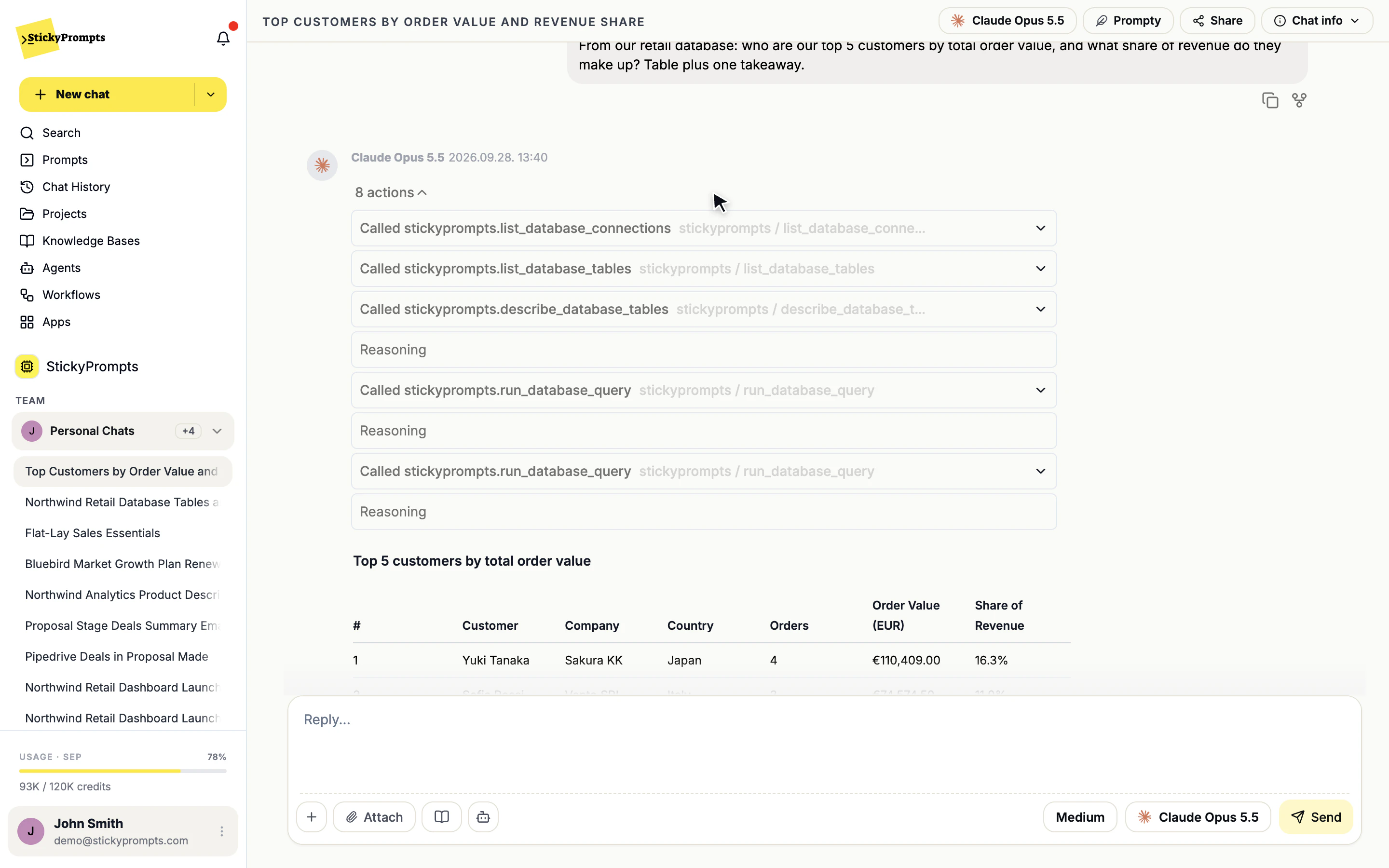
Yes. Each database connection has a permission level, and Read only allows SELECT statements and nothing else. A database with no public endpoint can be reached through an SSH jump host you control. Every answer shows the query behind it.
Will it get the numbers right?
Treat it like a sharp new analyst: fast at reading, sorting, drafting and explaining, and checked before anything is signed. Database answers show their SQL, Excel AI lets you test the prompt on one row first, and answers from documents cite the file.
How do we see what AI usage costs, and who used it?
The plan price is fixed. AI usage is metered at the provider's rate plus your plan's commission, and usage statistics break it down by team, user and model, which is the granularity most internal recharge models need.
By team
Try it on your own work before you commit.
Start free with a $5 trial balance. No card, no procurement marathon - bring one real task and see how far it gets.