Your team and the AI, one thread.
Most AI work happens alone, then gets pasted into a channel for everyone else to pick apart. Team chats put the discussion and the AI in the same place: colleagues talk to each other as usual, and when someone mentions @ai, the model answers in the thread for the whole team.
Pick a team, start talking.
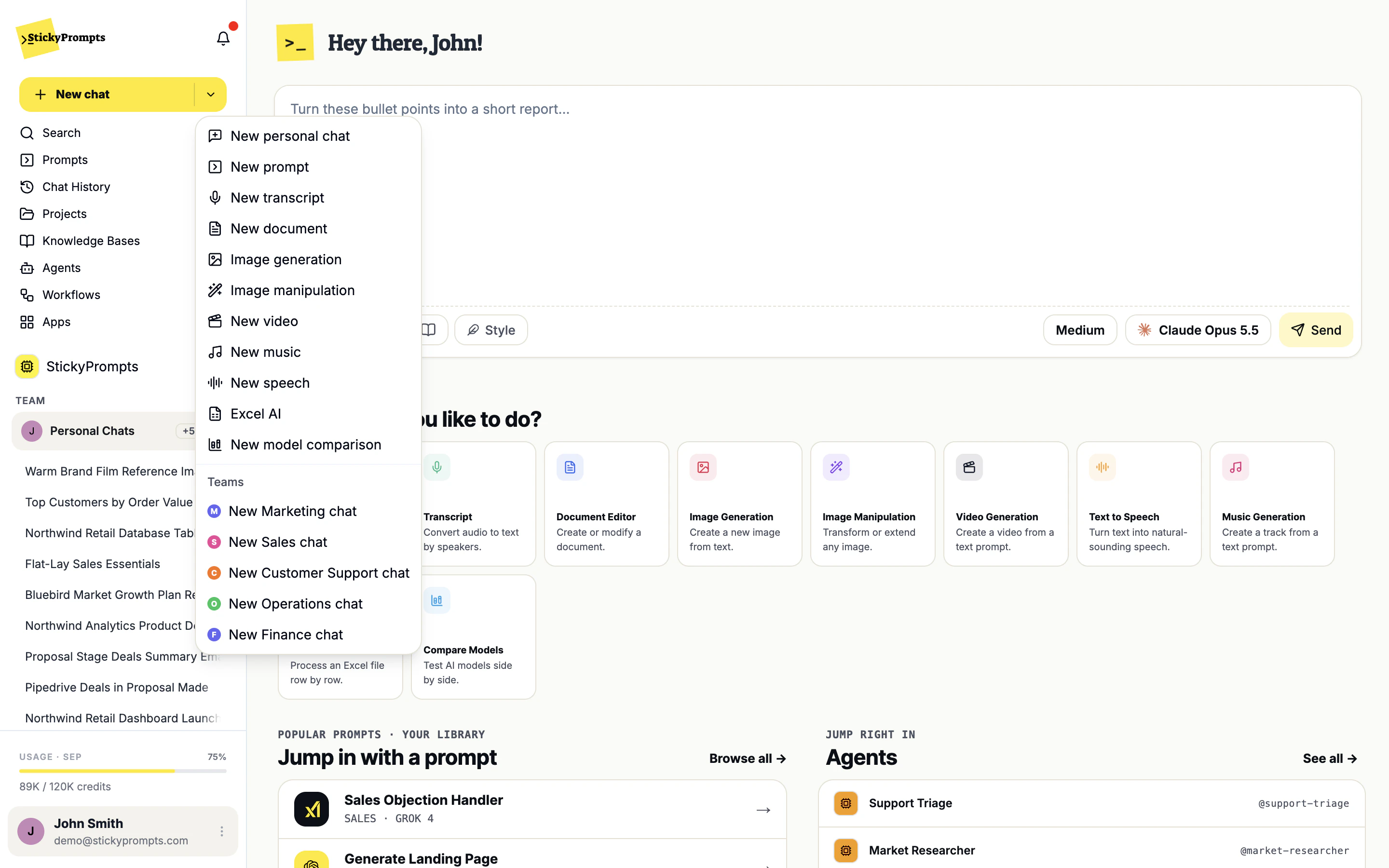
The team switcher sits in the sidebar, under your workspace. Choose Marketing and the button becomes New team chat, the sidebar shows Marketing's chats, and the composer tells you exactly who you are talking to. You can also start a chat for any of your teams straight from the New chat menu.
- Personal Chats and every team you belong to, one click apart
- A New chat entry for each team in the New chat menu
- Each team keeps its own list of chats
The AI speaks when spoken to.
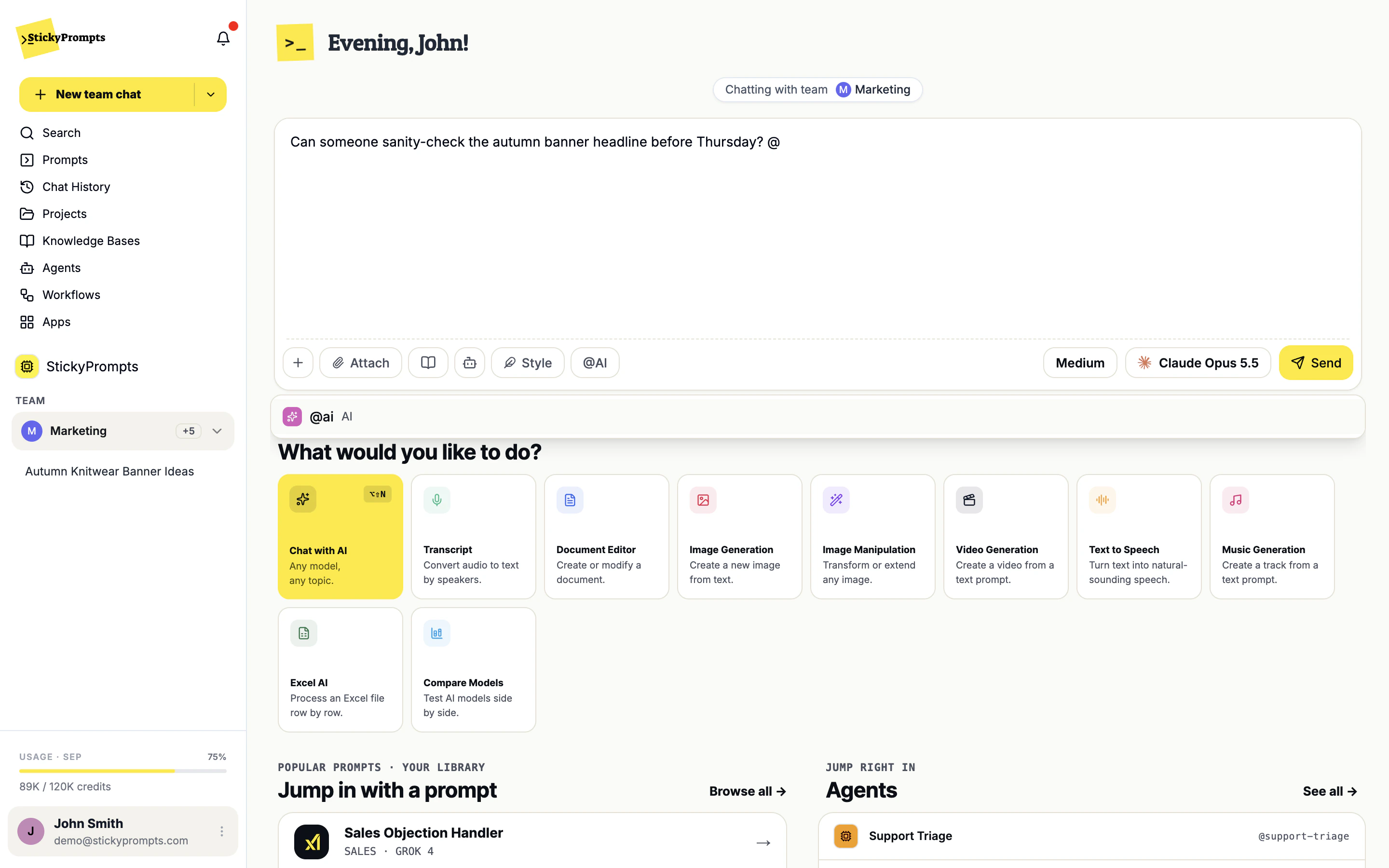
People reply to people. When the team wants the model, anyone types @ai, or switches on the @AI button for that message, and the answer arrives in the thread. No one has to leave the conversation to go and ask a chatbot, and no one has to copy the answer back.
- Type @ and pick the AI from the list
- Or switch @AI on before you send
- Agents invited to the chat can be mentioned the same way
The answer lands for everyone.
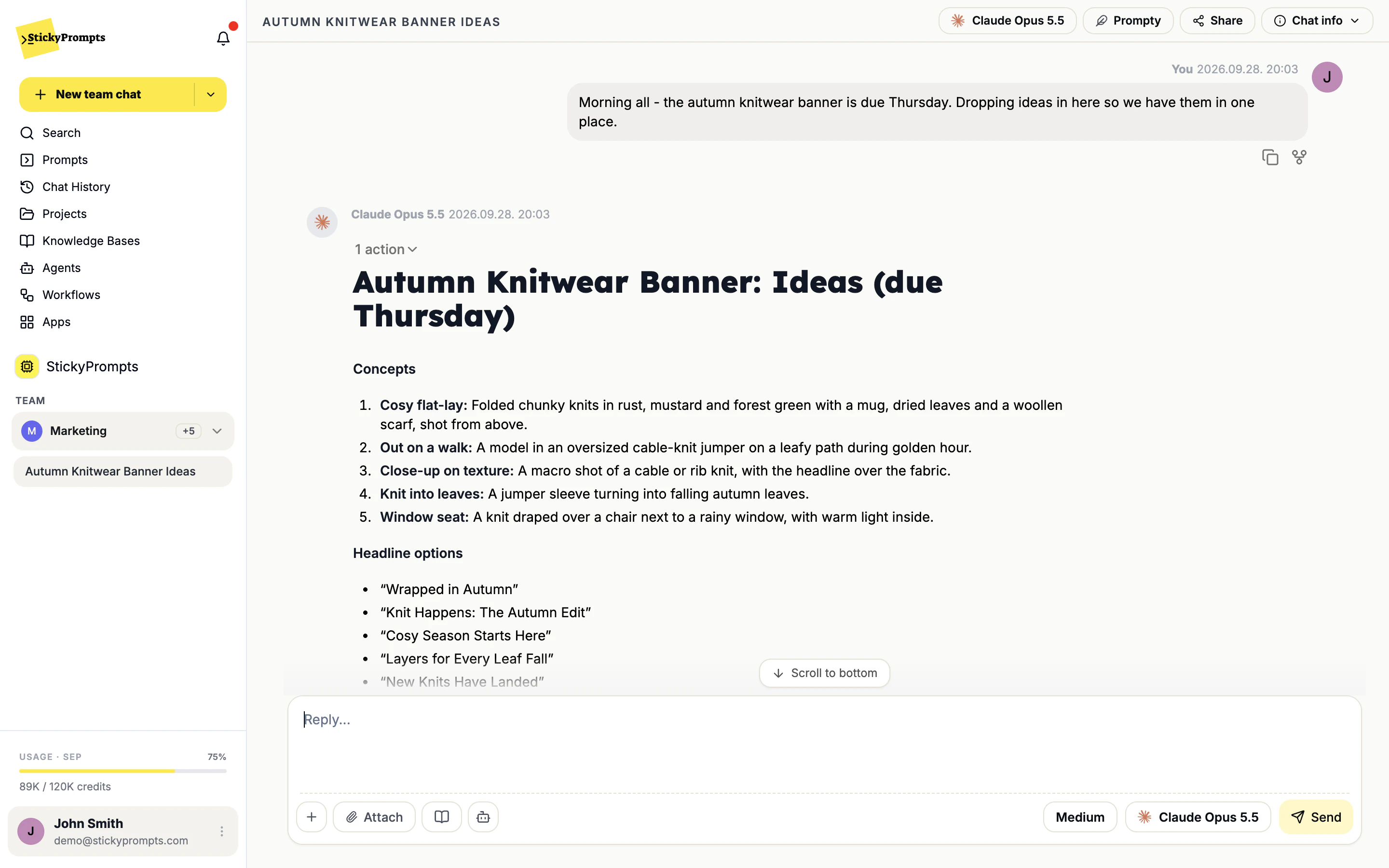
When the AI answers, the whole team sees the same thing, in context, next to the discussion that prompted it. Nobody pastes a screenshot of their private chat, and the reasoning behind a decision is still there next month.
- One thread holds the question, the answer and the decision
- Pick the model per chat, from the ones your team may use
- Attach files or a knowledge base, like any chat
Built for the conversations about the work.
Everything you can do in a personal chat, with the people you actually decide things with.
Personal, team or project?
Three ways to work, all in the same workspace. Most teams use all three in a week.
What teams ask about team chats.
Who can see a team chat?
The members of that team. Switch to the team in the sidebar and its chats are listed there, the same way your personal chats are. Personal chats stay personal: nothing moves into a team unless you start it there.
Does the AI read every message?
It answers only when someone mentions @ai or switches @AI on for a message. When it does answer, it works from the conversation in that chat, so you do not need to repeat what was said above.
What happens if I am the only person in the chat so far?
Until a second person joins, a team chat behaves like a normal chat and the AI answers every message. Once the conversation has more than one person in it, the @ai rule applies.
Which model answers?
The one selected in the chat, from the models your team is allowed to use. Admins decide that per provider in Model & Provider Access, and can limit a provider to specific teams.
Who sets up the teams?
Workspace admins, in Team Management: create a team, add members, and choose its models. A team can have owners who approve its prompts and keep an eye on its budget.
Does this replace Slack or Teams?
No. It is for the conversations where the AI's work is the subject: a draft, an analysis, a set of options. Those belong next to the model that produced them, with the context intact, rather than pasted into a channel.
Decide together, with the AI in the room.
Start free with a $5 trial balance. Create a team, start a chat, and ask @ai the question everyone was about to ask separately.