Nothing on this page is a mockup.
Every clip and screenshot below was recorded in the live product, on a demo workspace for a fictional retailer called Northwind. Real models, real connections, real answers - including the ones that took seventeen tool calls to get right.
Eight things, recorded end to end.
Pick one, or let it play through. Each clip is the real app at normal speed, with only the waiting for a model trimmed out.
Answers you can check, line by line.
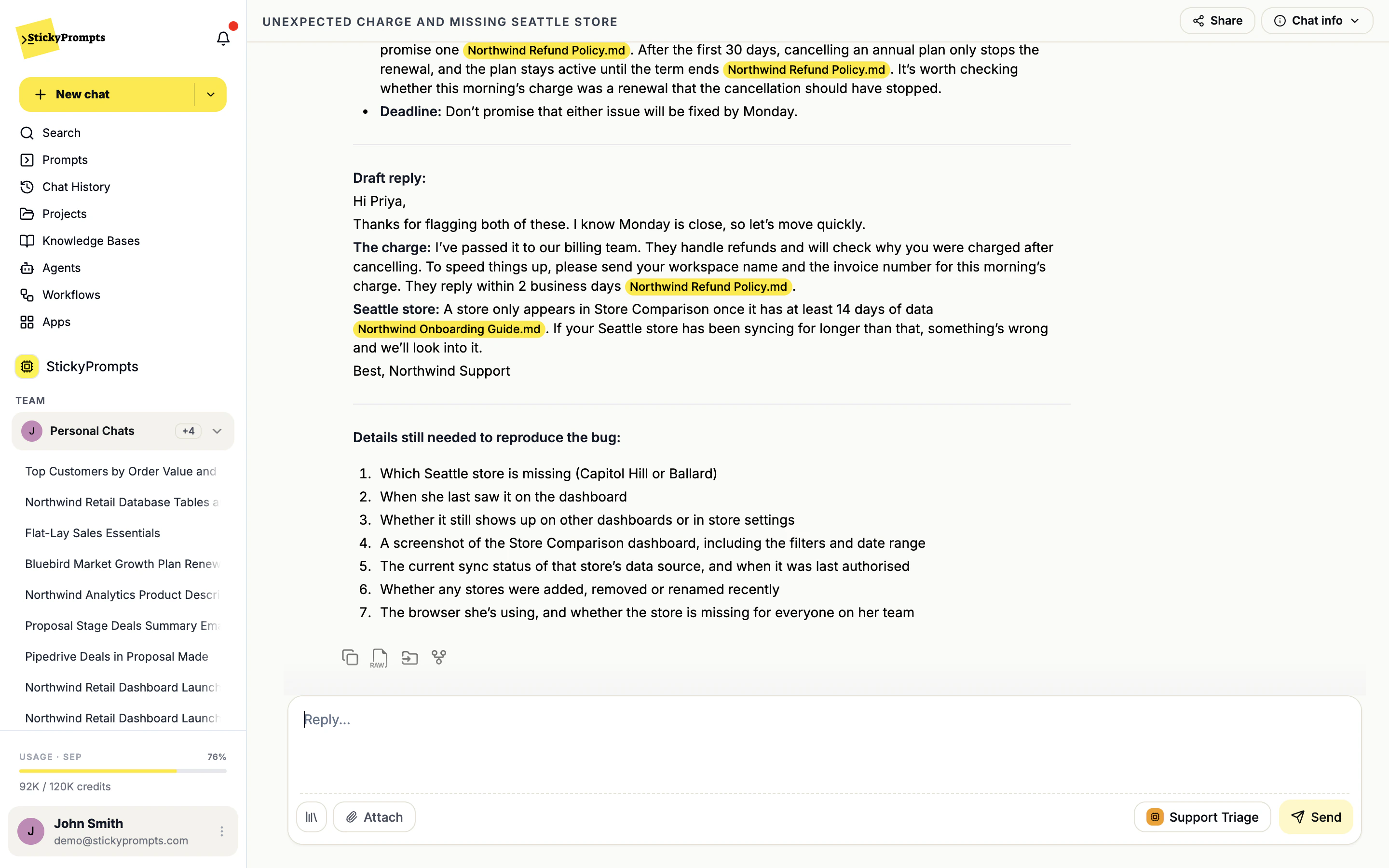
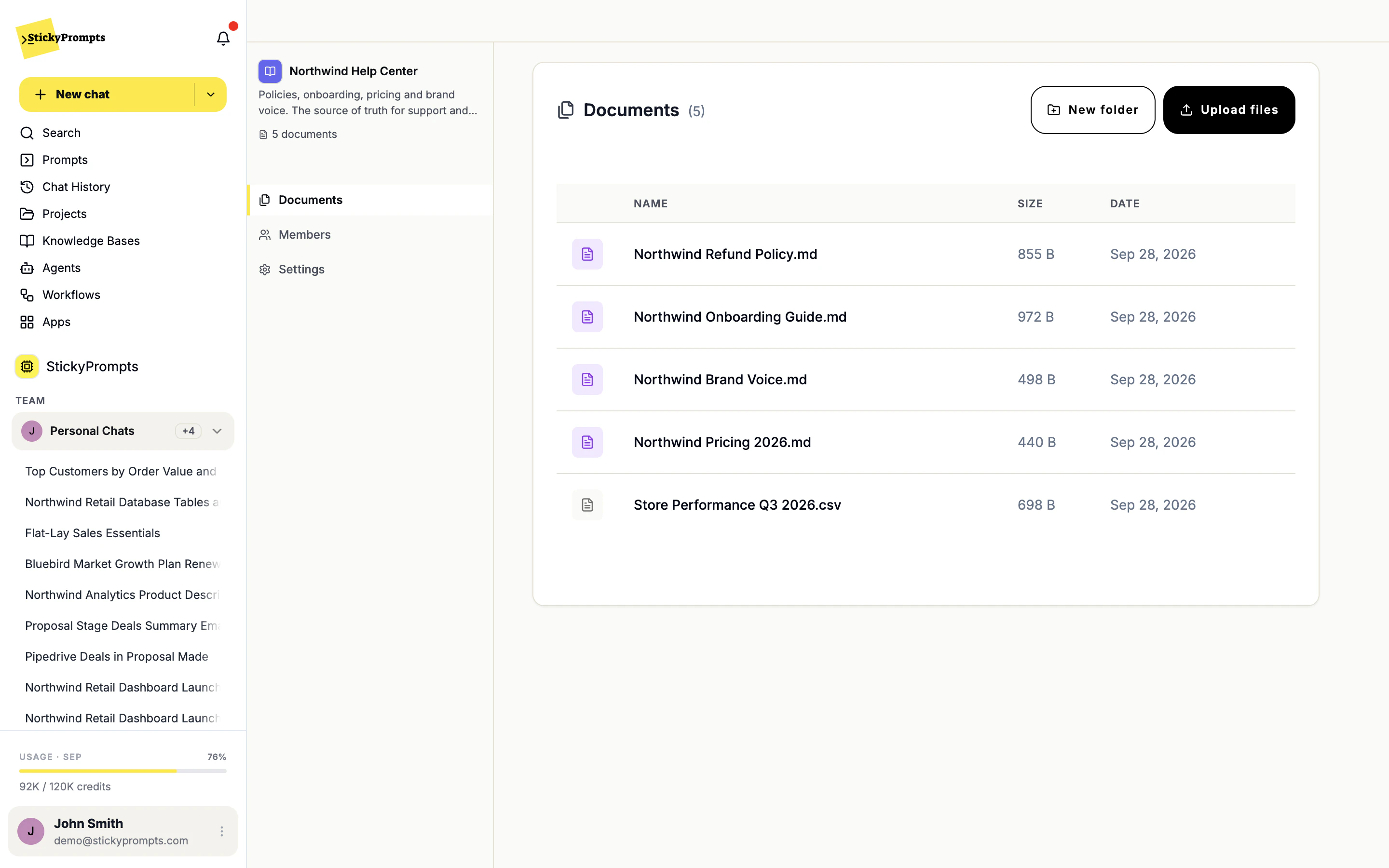
Attach a knowledge base to an agent and every claim in its reply links to the document it came from. Here, a support agent drafts a billing reply from the Northwind Help Center - and refuses to promise a refund the policy does not allow.
- PDF, Word, Excel, CSV, Markdown, email and images
- Citations inline, on the exact sentence they support
- One knowledge base, shared by any agent or prompt
Ask in a sentence. It does the steps.
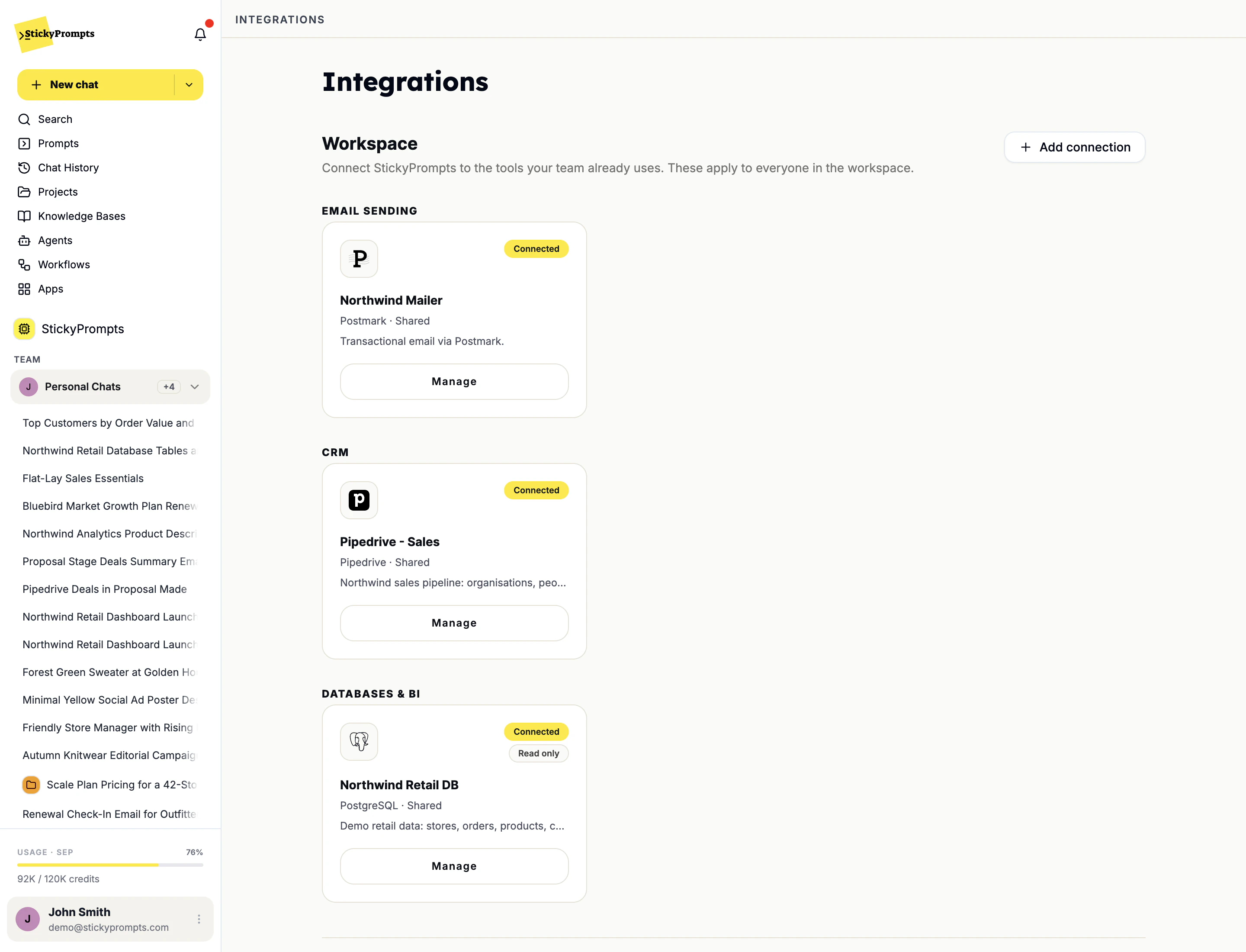
Connect Pipedrive, a database or an email sender once, for the whole workspace. After that, chat can look things up and act on them - read-only, read-write or full access, as the admin decides.
- Postmark, Resend, SendGrid or your own SMTP
- Pipedrive, ActiveCampaign and Brevo
- PostgreSQL, MySQL, MariaDB and SQL Server, over an SSH bridge if needed
One thread for the team. AI when asked.
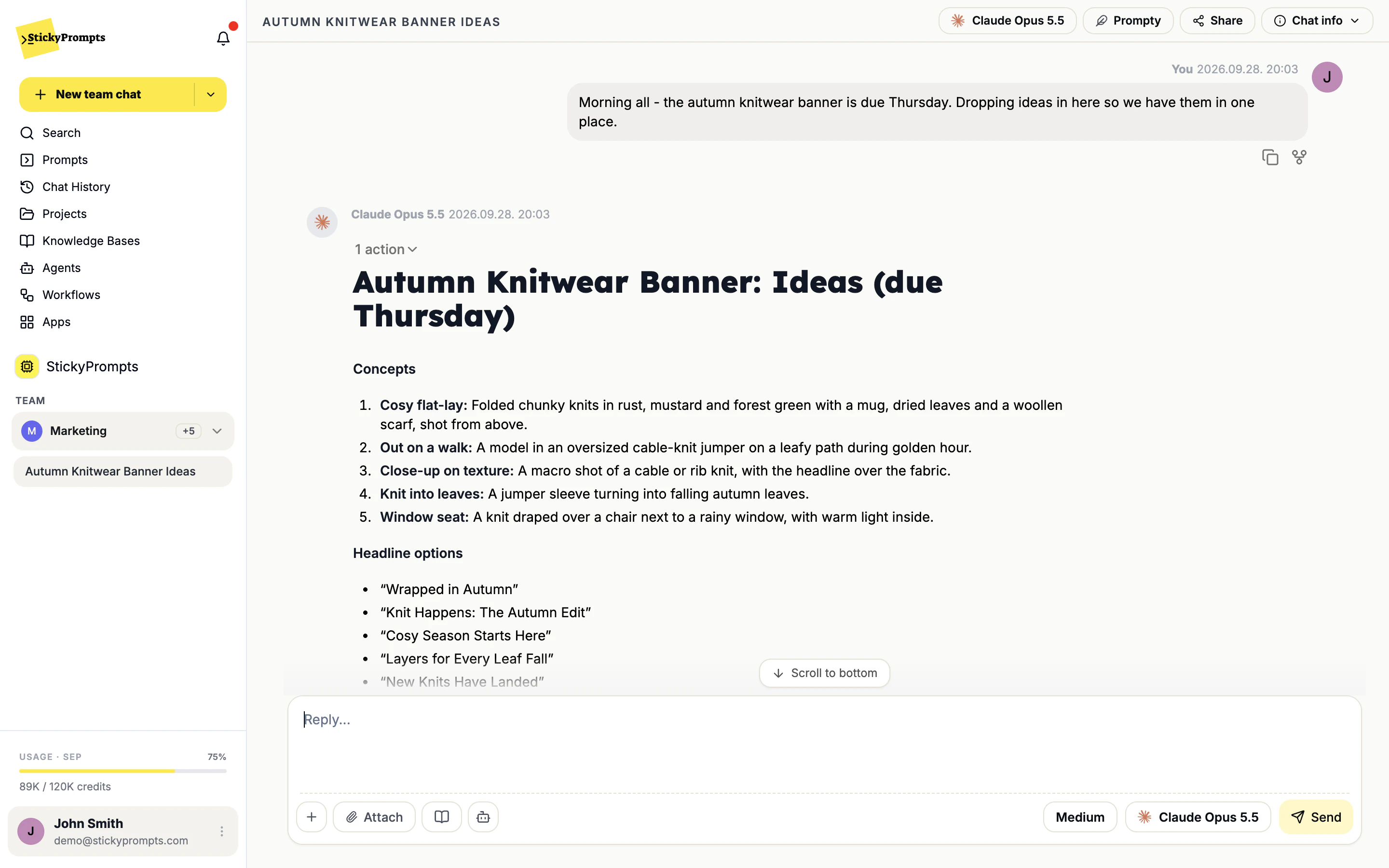
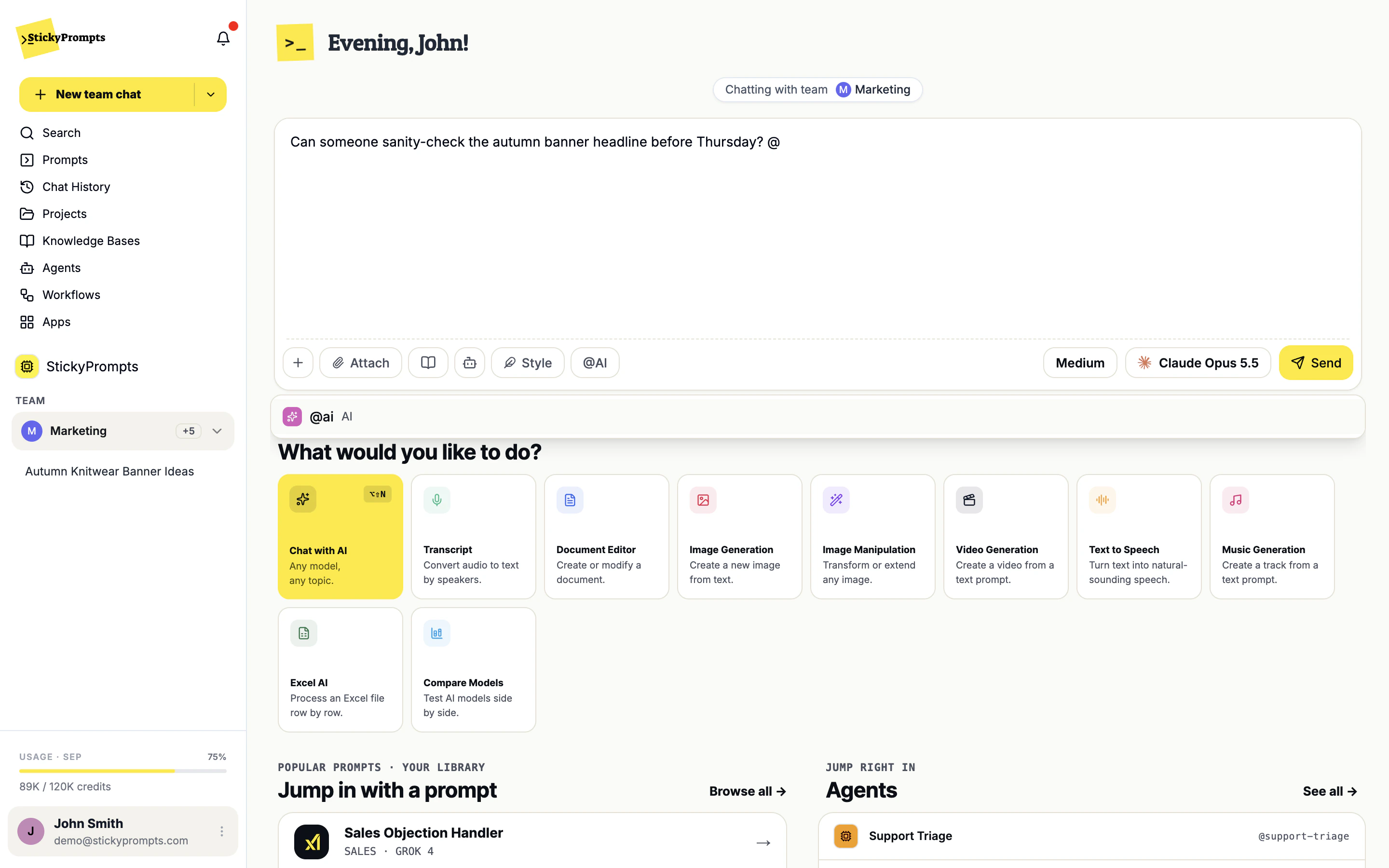
Pick Marketing in the team switcher and start a team chat. Colleagues talk as they normally would, and the AI stays out of it until someone types @ai or switches it on. Here the team asks for headline ideas for Northwind's autumn knitwear banner, and the answer lands in the thread for everyone.
- Teams are set up by admins in Team Management
- Type @ to bring in the AI, or an agent invited to the chat
- The AI answers with the whole conversation as context
Images, edits, speech, music and video. Real outputs.
Straight out of the models, prompts included. Hover a picture to see what it was asked for.
-
 Prompt · Gemini 3 Pro Image Product photo for a launch banner: a sleek laptop on a warm oak desk showing a retail analytics dashboard with bright yellow and charcoal charts, soft morning window light, shallow depth of field.
 -
 Prompt · Gemini 3 Pro Image Editorial campaign photo for an autumn knitwear collection: a smiling woman in a mustard-yellow chunky sweater in a sunlit independent clothing store, warm film tones.
 -
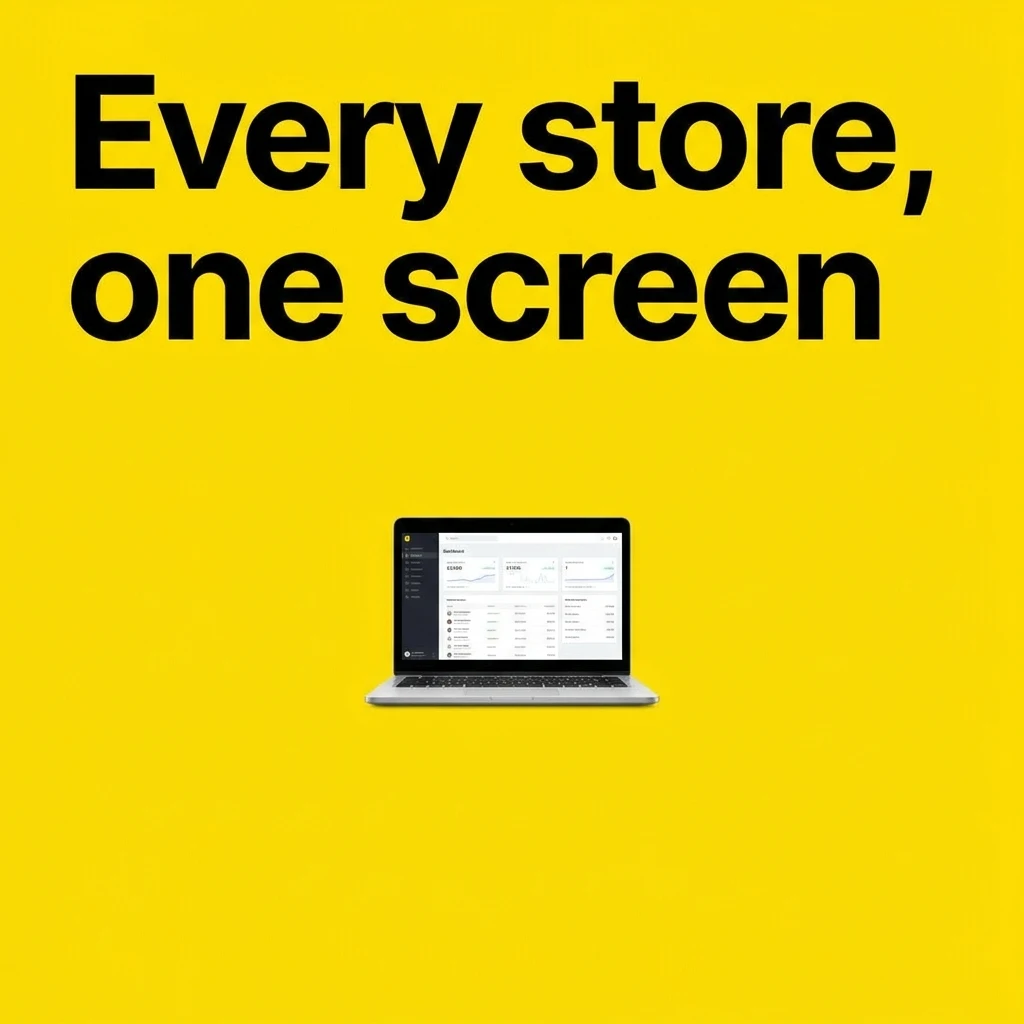 Prompt · Gemini 3 Pro Image Minimal social ad poster, square: bold black headline 'Every store, one screen' on a bright yellow background, a small laptop showing a clean dashboard.
 -
 Prompt · Gemini 3 Pro Image Flat vector illustration for a blog header: a friendly store manager and a laptop with rising yellow bar charts, soft paper texture, charcoal and bright yellow.
One sentence, one edit.
Drop an image in, say what should change, keep everything else. Drag the handle.

A meeting, split by speaker.
A 42-second stand-up, transcribed with timestamps. Press play - the line being spoken lights up.
And a video from a prompt.
Eight seconds from Veo 3.1 Fast, generated inside StickyPrompts.
The rest of the workspace.
Everything you just watched is in the trial.
Start free, connect one tool, and run the thing you would have asked a colleague to do.