Confidentiality by matter, not by habit.
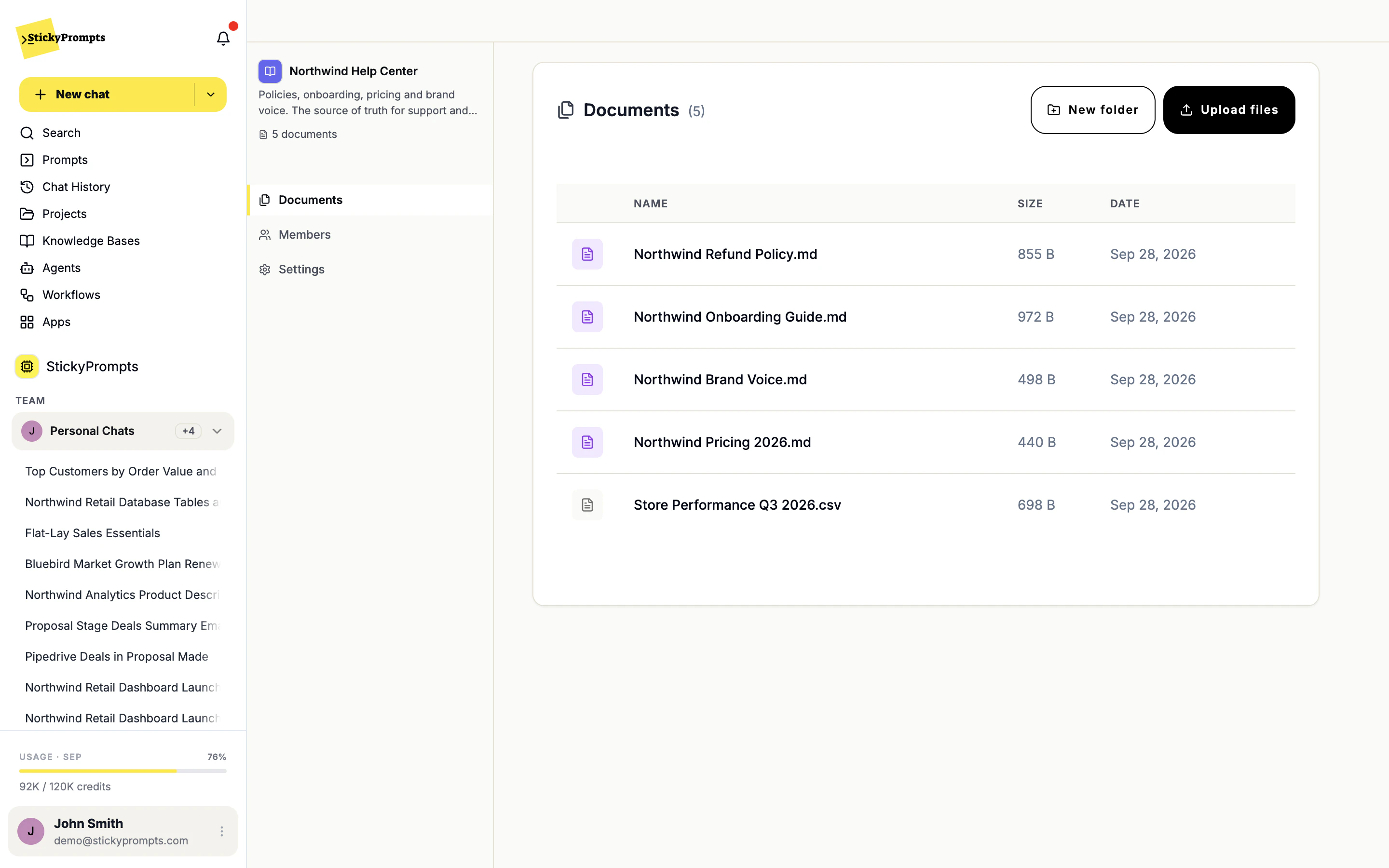
A general AI subscription has no idea what a matter is, so everything pools. In StickyPrompts each matter gets a project with its own chats, files and instructions, and a knowledge base with its own members. That is the shape your confidentiality obligations already assume.
- One shared AI account with no separation between clients or matters
- Privileged documents pasted into tools with unclear retention
- Junior time going on document assembly a machine could do
Six things legal teams use this for.
Not an exhaustive list. These are the ones that come up first, and the ones that make the case for the rollout on their own.
Every sentence, with its source.
Attach the policies and precedents an agent should rely on, and each claim in its answer names the document it came from, so a reviewer can check it line by line.
See the full product tour- A project per matter, with its own chats, files and instructions
- Knowledge bases with named members, so a matter's files stay with its team
- Zero-data-retention providers only, as one workspace setting
- Data stored in the EU by default
- Client identifiers redacted before a prompt leaves the workspace
- Open-weight models on dedicated infrastructure where a matter demands it
What legal teams ask us.
Does anything we put in leave the firm?
Prompts go to the model you pick. Switch on zero-data-retention only and the workspace uses only providers that keep nothing and train on nothing. If that is still too broad for a matter, the Enterprise private-models option runs open-weight models on infrastructure dedicated to you, so nothing reaches a third-party AI service.
Can we keep one matter's documents away from another team?
Yes. A knowledge base has its own member list, and a project groups one matter's chats, files and instructions. Share each with the people on the matter and nobody else.
Is the output reliable enough to send?
Treat it as a drafting and review aid. Answers cite the document they came from so the reviewer can check rather than trust, and nothing leaves the firm unless a person sends it.
By industry
Try it on your own work before you commit.
Start free with a $5 trial balance. No card, no procurement marathon - bring one real task and see how far it gets.