Describe the picture. Then change it.
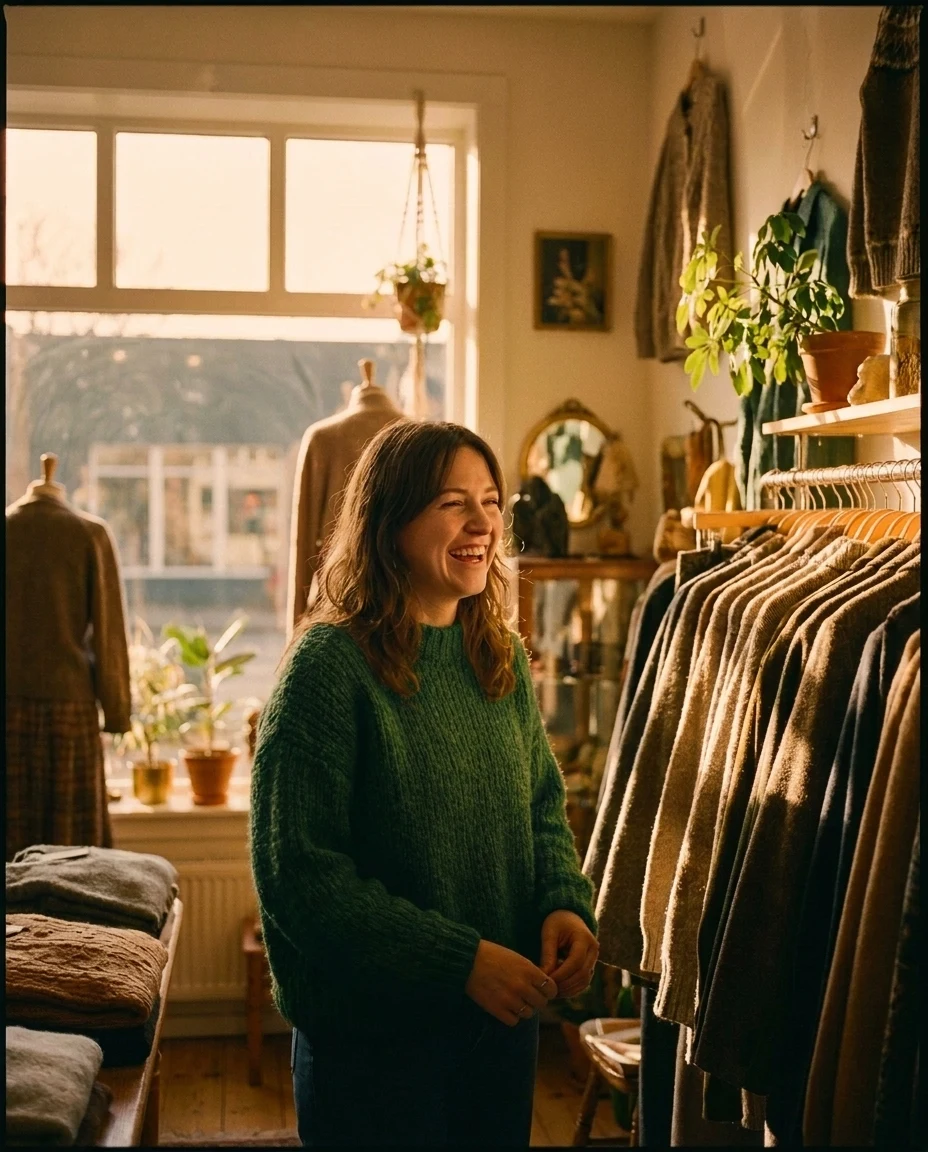
Ask for the image in a chat and it comes back in the conversation. Need the sweater in green or the light at golden hour? Say so. The team sees the brief, the drafts and the final version in one place.
Make it, then fix it.
Generating a picture is the quick part. Getting from nearly right to approved takes most of the time, so editing works the same way as asking: in a sentence.
Straight out of the model. No retouching.
Every picture below was generated inside StickyPrompts for a fictional retailer, Northwind. Hover one to read the prompt that made it.
-
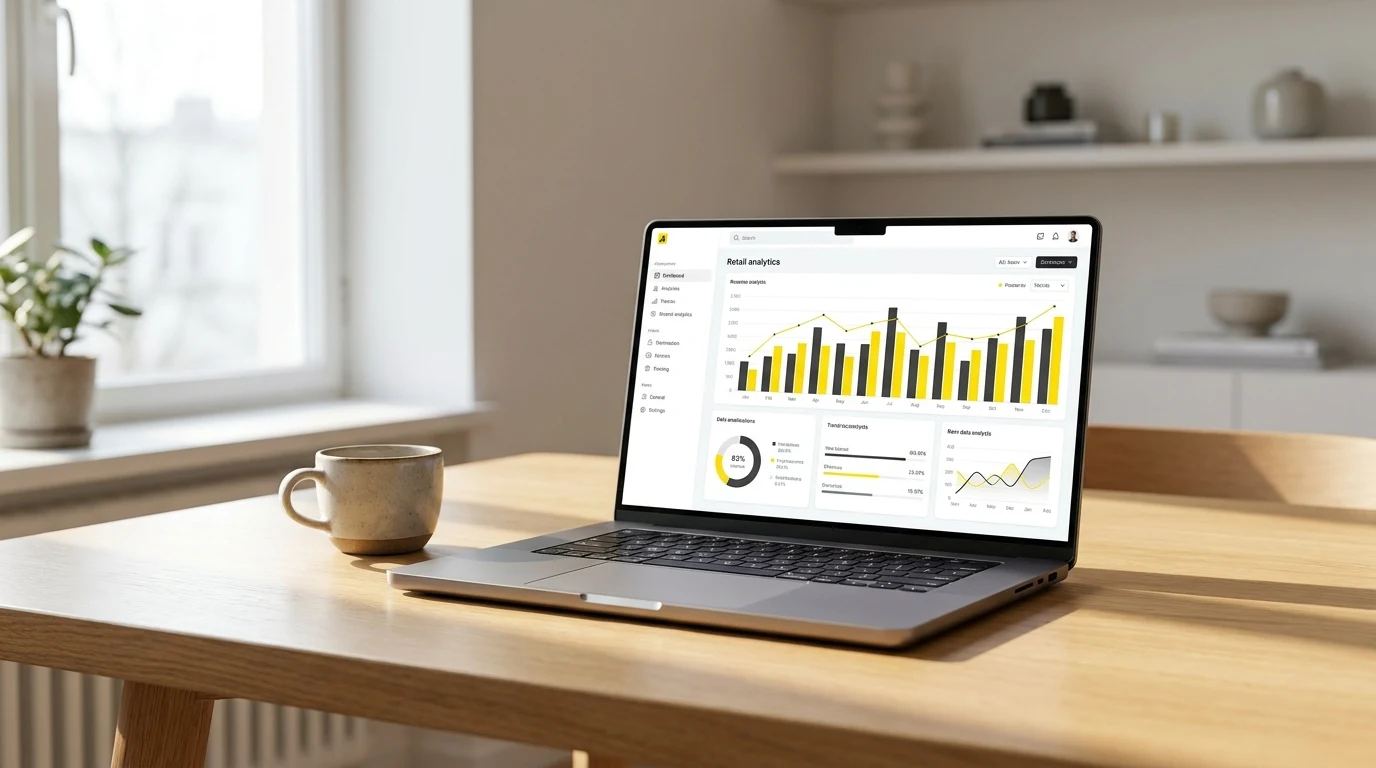 Prompt · Gemini 3 Pro Image Product photo for a launch banner: a sleek laptop on a warm oak desk showing a retail analytics dashboard with bright yellow and charcoal charts, soft morning window light, shallow depth of field.
 -
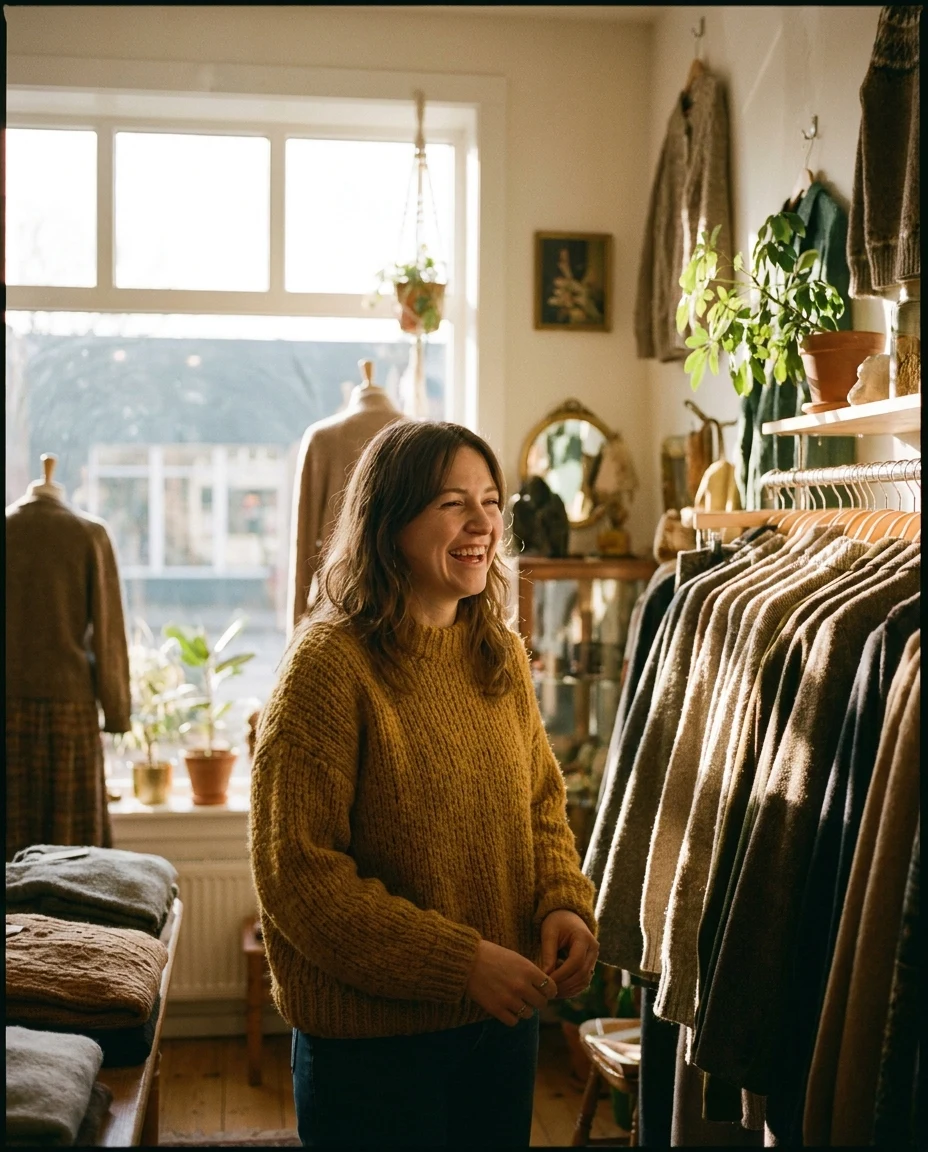 Prompt · Gemini 3 Pro Image Editorial campaign photo for an autumn knitwear collection: a smiling woman in a mustard-yellow chunky sweater in a sunlit independent clothing store, warm film tones.
 -
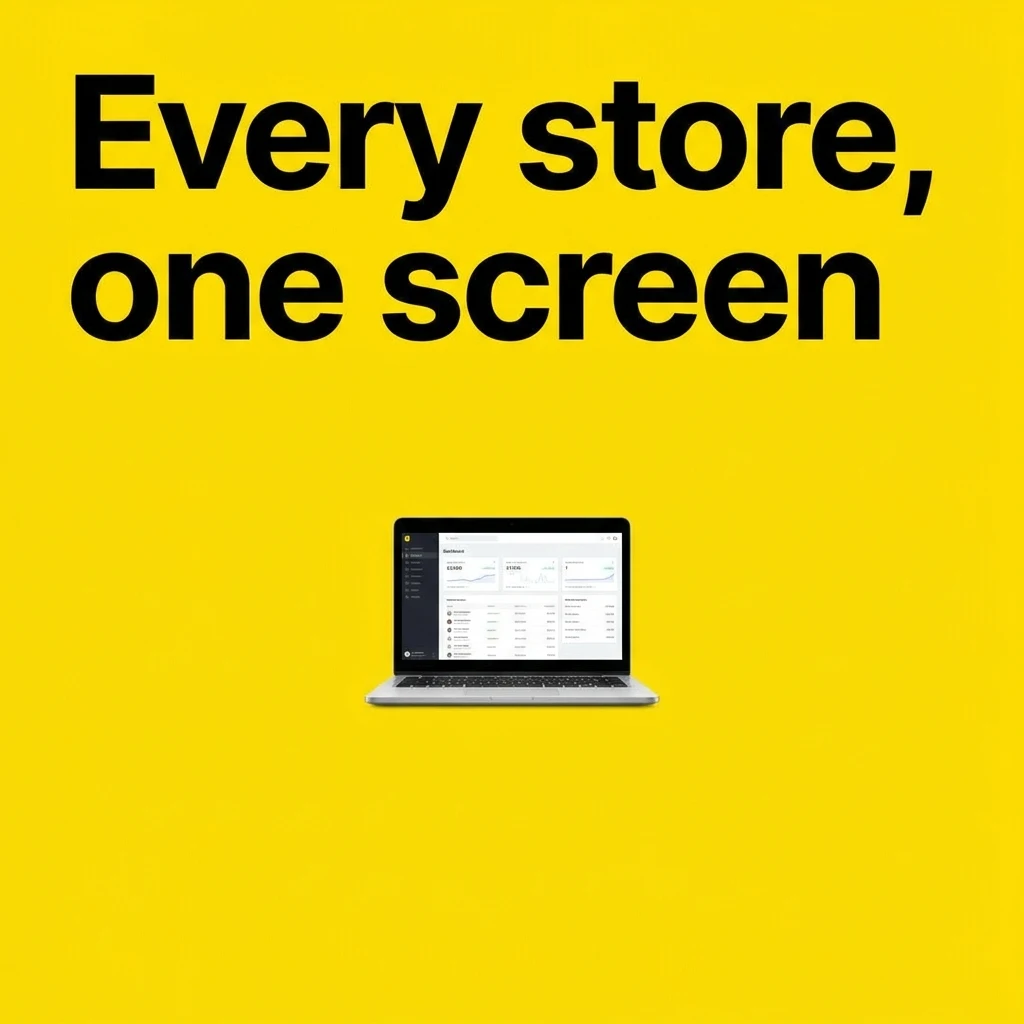 Prompt · Gemini 3 Pro Image Minimal social ad poster, square: bold black headline 'Every store, one screen' on a bright yellow background, a small laptop showing a clean dashboard.
 -
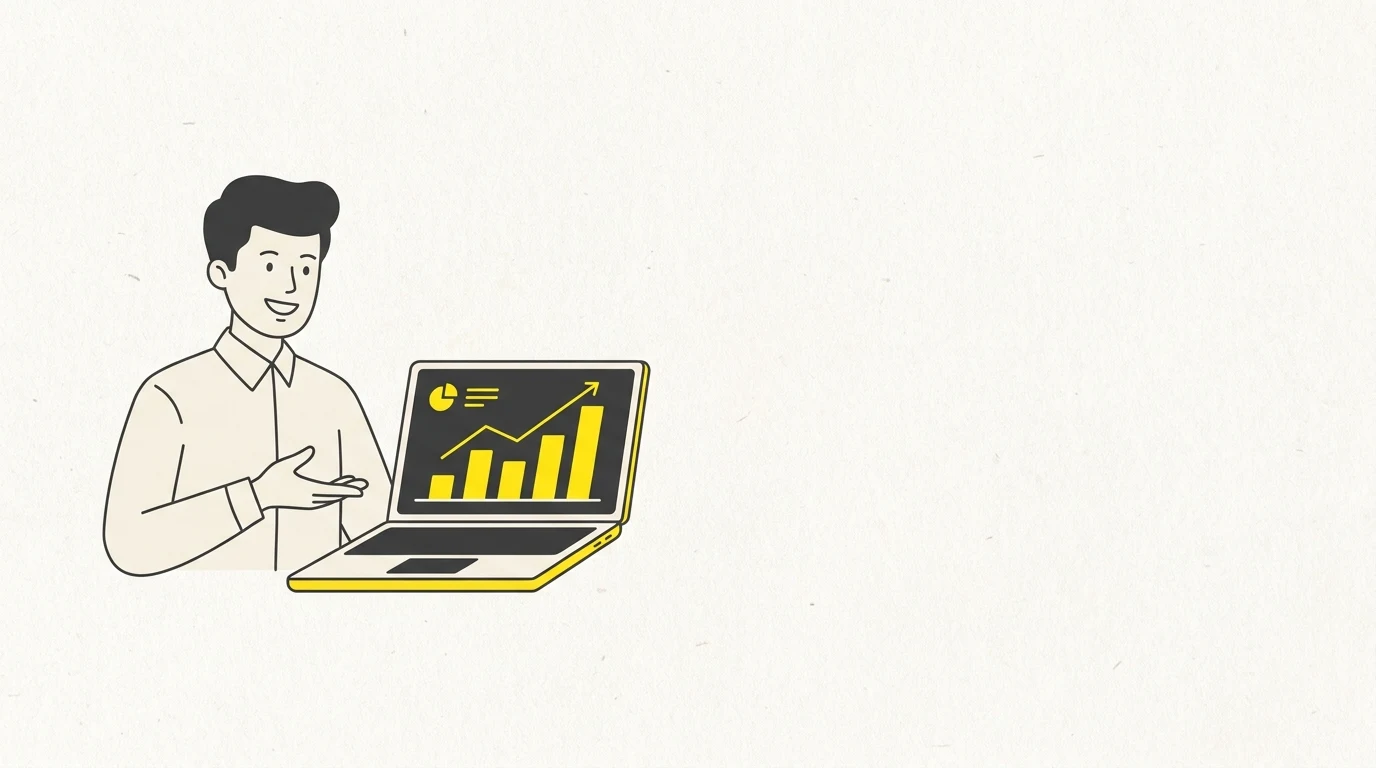 Prompt · Gemini 3 Pro Image Flat vector illustration for a blog header: a friendly store manager and a laptop with rising yellow bar charts, soft paper texture, charcoal and bright yellow.
Editing, in one sentence.
Drop the photo in and say what should change. The sweater went from mustard to forest green and the light moved to golden hour; her face, her pose and the shop stayed exactly as they were. Drag the handle to compare.
Write with one model. Draw with another.
Claude Opus 5.5 has no image generation of its own. Ask it for three images anyway and it writes three careful prompts and calls StickyPrompts' image generation for each, several at once, in one reply. You keep the model you like writing with.
- The model you trust with words writes the image prompt
- Several images in one request, all in the conversation
- Every prompt it wrote is there to read and reuse
Refine it by replying.
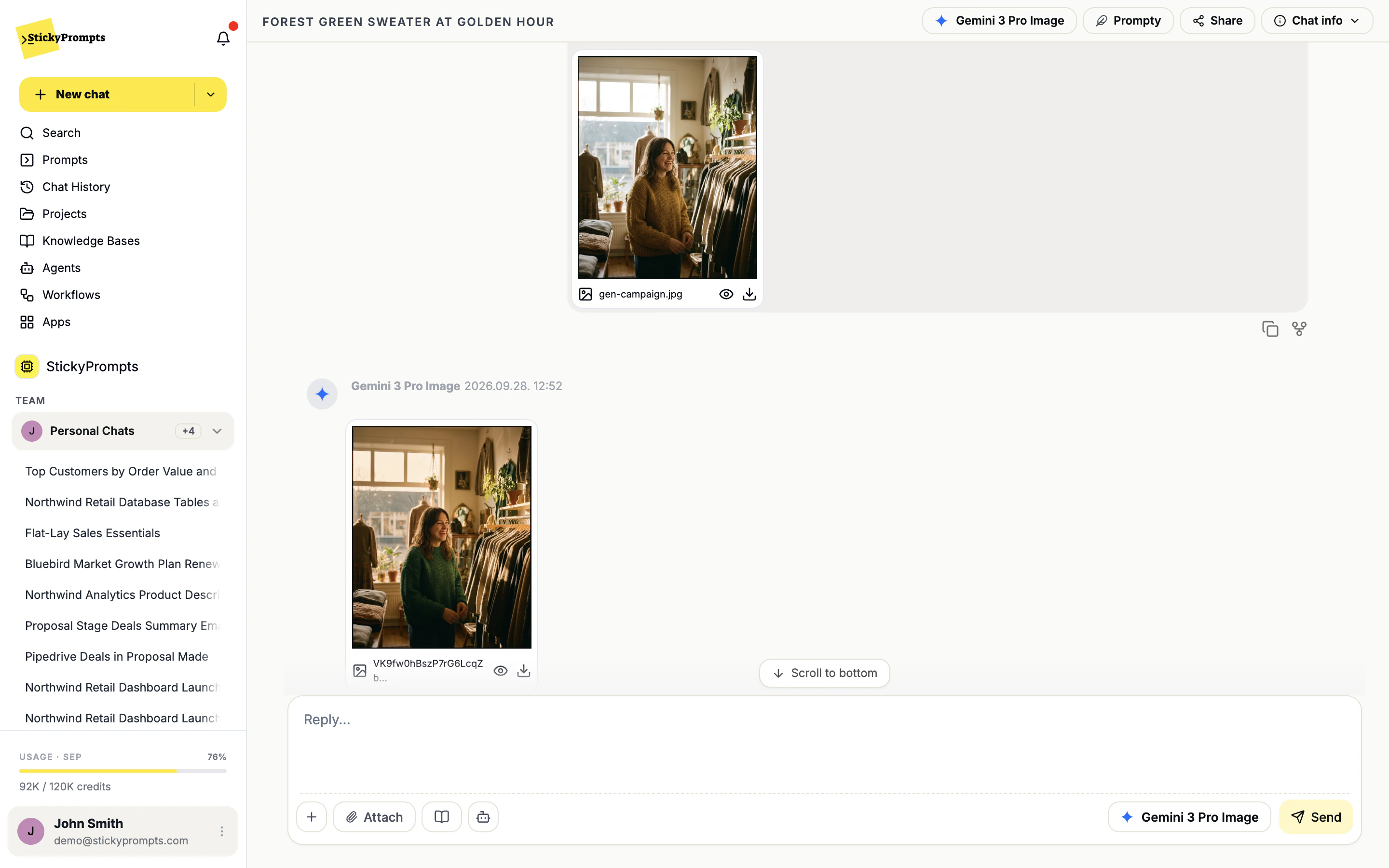
Images come back in the chat, so the next change is simply the next message. Attach the photo you have, say what should be different, and the edit lands underneath with its own preview and download. Share the thread with whoever approves it, or do the whole thing in a team chat.
- Attach your own photo to edit it
- Preview and download every image
- Share the chat, or work in a team chat with @ai
- Campaign and social variants from one approved hero image
- Product shots moved to a new backdrop or season
- Illustrations for decks that would otherwise be clip art
- Blog and newsletter headers in a consistent style
- Cleaning up photography that is nearly right
- Concept art to brief a designer or a photographer
What teams ask about image generation.
Which model makes the images?
Every picture on this page was made with Gemini 3 Pro Image, straight from StickyPrompts. Which providers your workspace can use is an admin decision, set once in Model & Provider Access.
Can it keep to our brand style?
Give it a reference photo and spell out the rules - palette, framing, what never appears - and it follows them well. The practical way to make that stick is a saved prompt with your style notes and reference images attached, so nobody has to remember them. There is no automatic brand-kit lock today.
Can we use the output commercially?
That is set by the terms of the model provider you use, so check them for your case. If a provider's terms do not suit your legal team, an admin can block that provider for the whole workspace.
Where does our data go?
Workspace data is stored in the EU by default. Admins can also require EU-served inference or zero-data-retention providers only, and the settings page shows which models that leaves before you save.
Is there a guide to prompting for images?
Yes, and it is free: The AI Image & Video Playbook covers what actually changes an image and what is superstition.
Try it on this week's campaign brief.
Start free with a $5 trial balance. Attach one product photo and ask for the version you actually need.