Board-ready
Leadership updatesLead with the answer in one sentence. Then no more than five bullet points, each with a number in it. British spelling. No jargon. Finish with one recommended next step.
The same question can come back as a two-page report, a conversation, or five lines your board will actually read. A response style decides which. Use the two built in, or write your own once, for yourself or the whole workspace, and pick it from any chat, on any model.
Write the Q3 board update for Northwind. Revenue EUR 4.2m, up 8%. 12 stores, Lyon and Porto opened in August. Online 31% of sales, up from 26%. Gross margin down 1.2 points, mostly freight. Satisfaction 4.6/5.
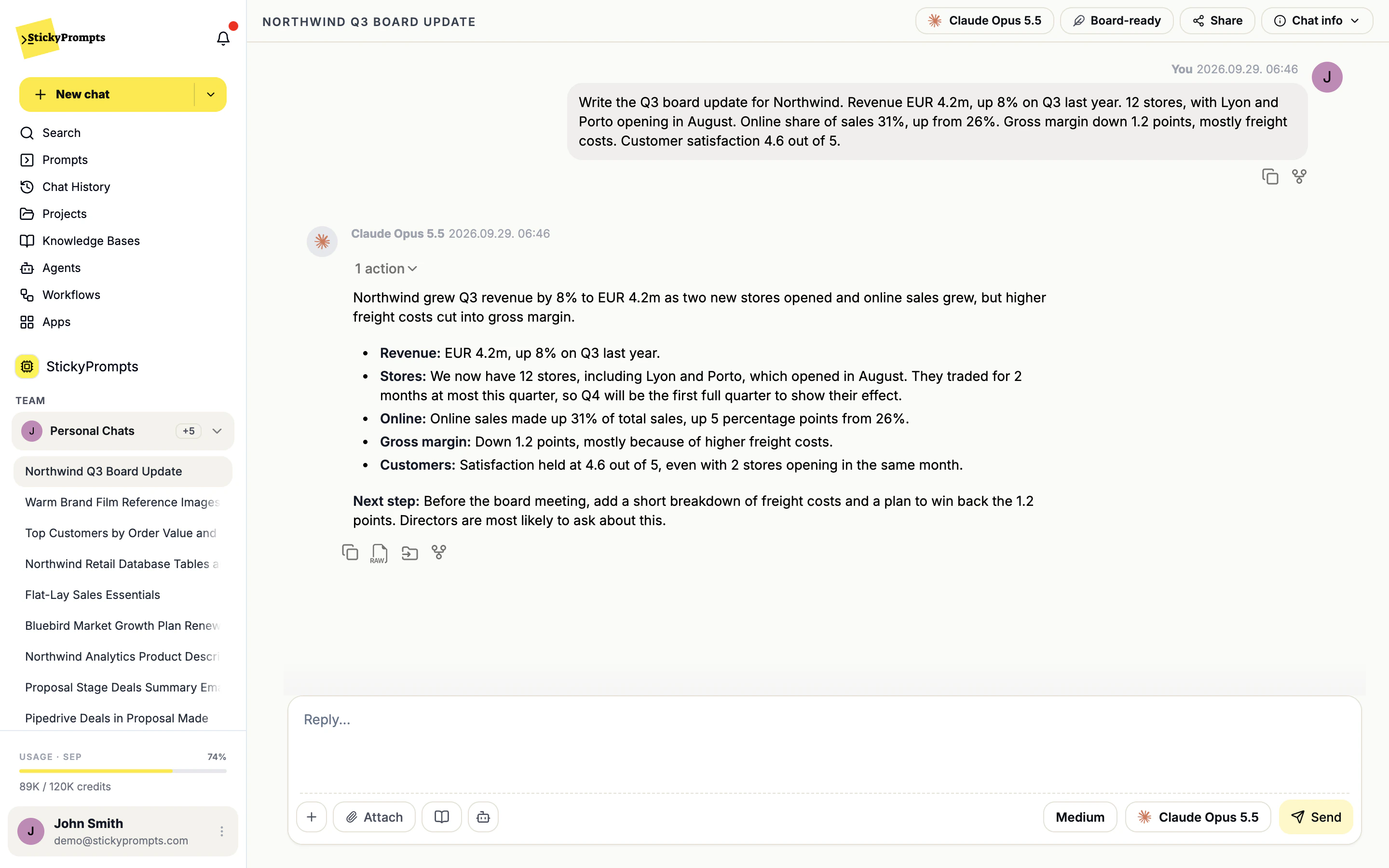
Northwind grew revenue to EUR 4.2m in Q3, up 8% on the same quarter last year, but higher freight costs reduced our margin.
Recommended next step: before the Q4 peak, ask management to review freight contracts and delivery costs to win back the 1.2 points.
Real answers to the same prompt in the Northwind demo workspace, lightly abridged.
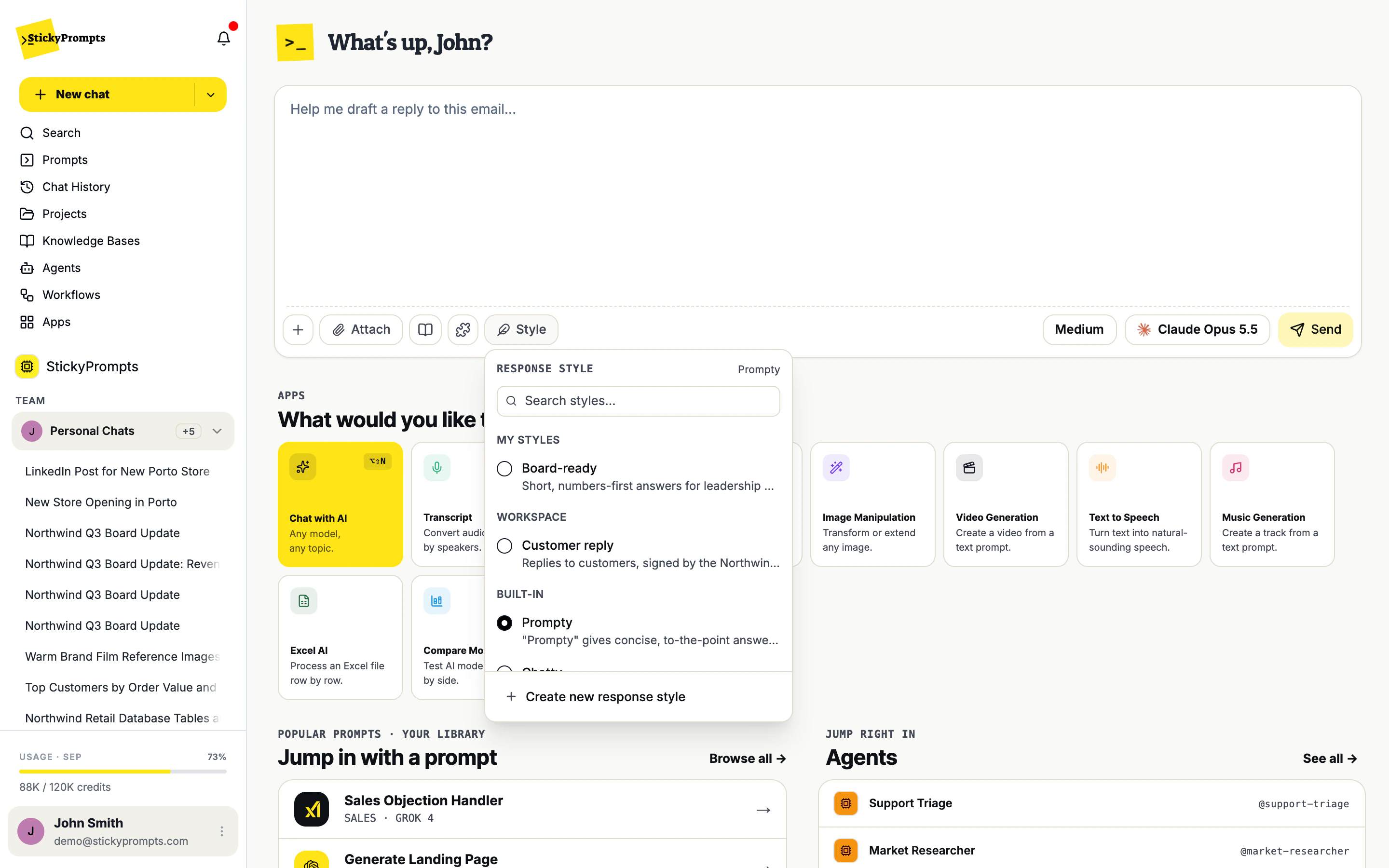
The Style button sits in the composer. It lists your own styles, the ones shared with the workspace and the two built-ins, each with its one-line description, and a search box for when the list grows. Change it halfway through a chat and the next answer follows the new style.
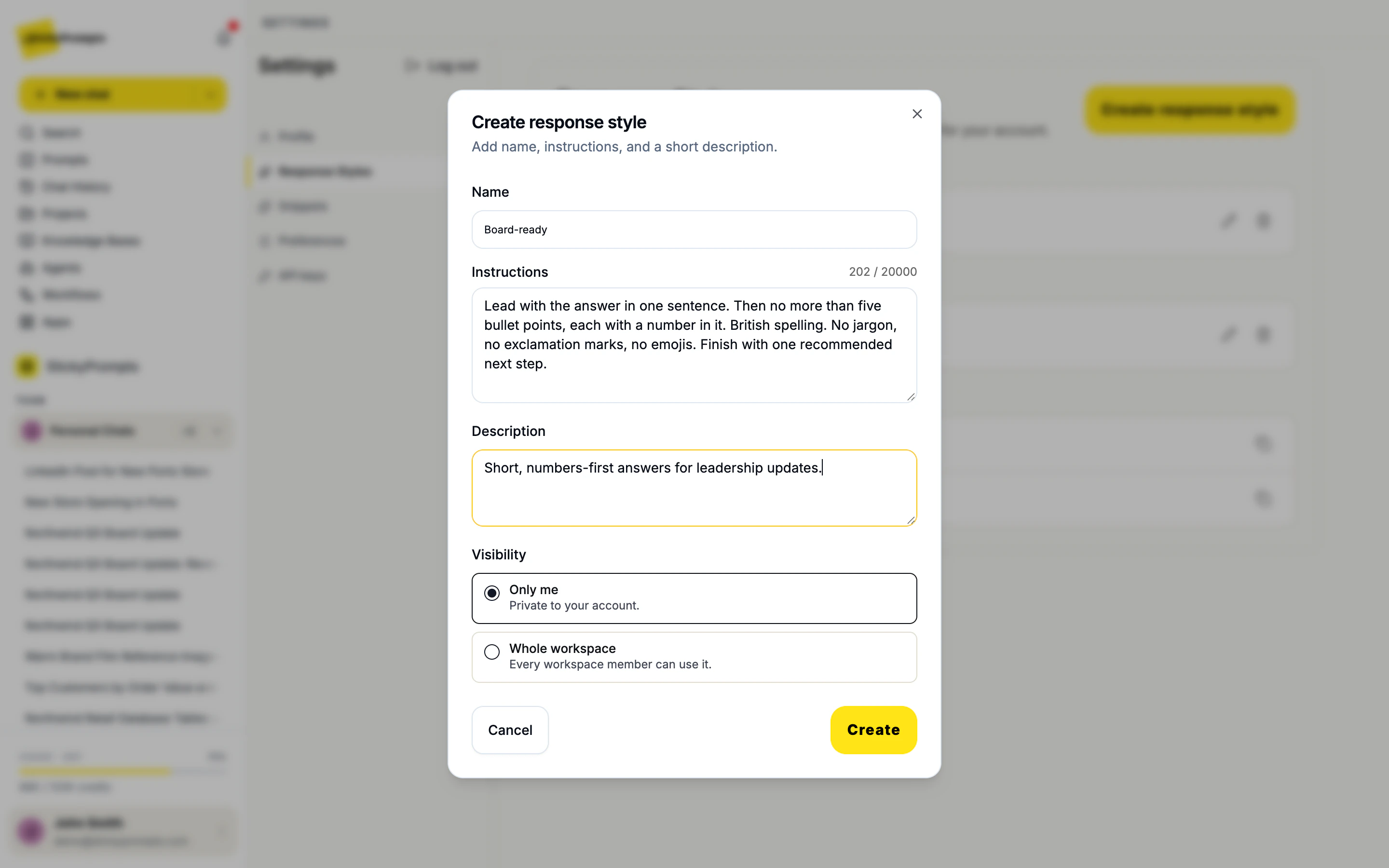
A custom style has three parts: a name, the instructions the AI follows every time, and a short description that appears in the picker. Say what a good answer looks like: its length, its structure, the spelling, the words to avoid. Then choose who can use it. Edit it whenever the answers drift.
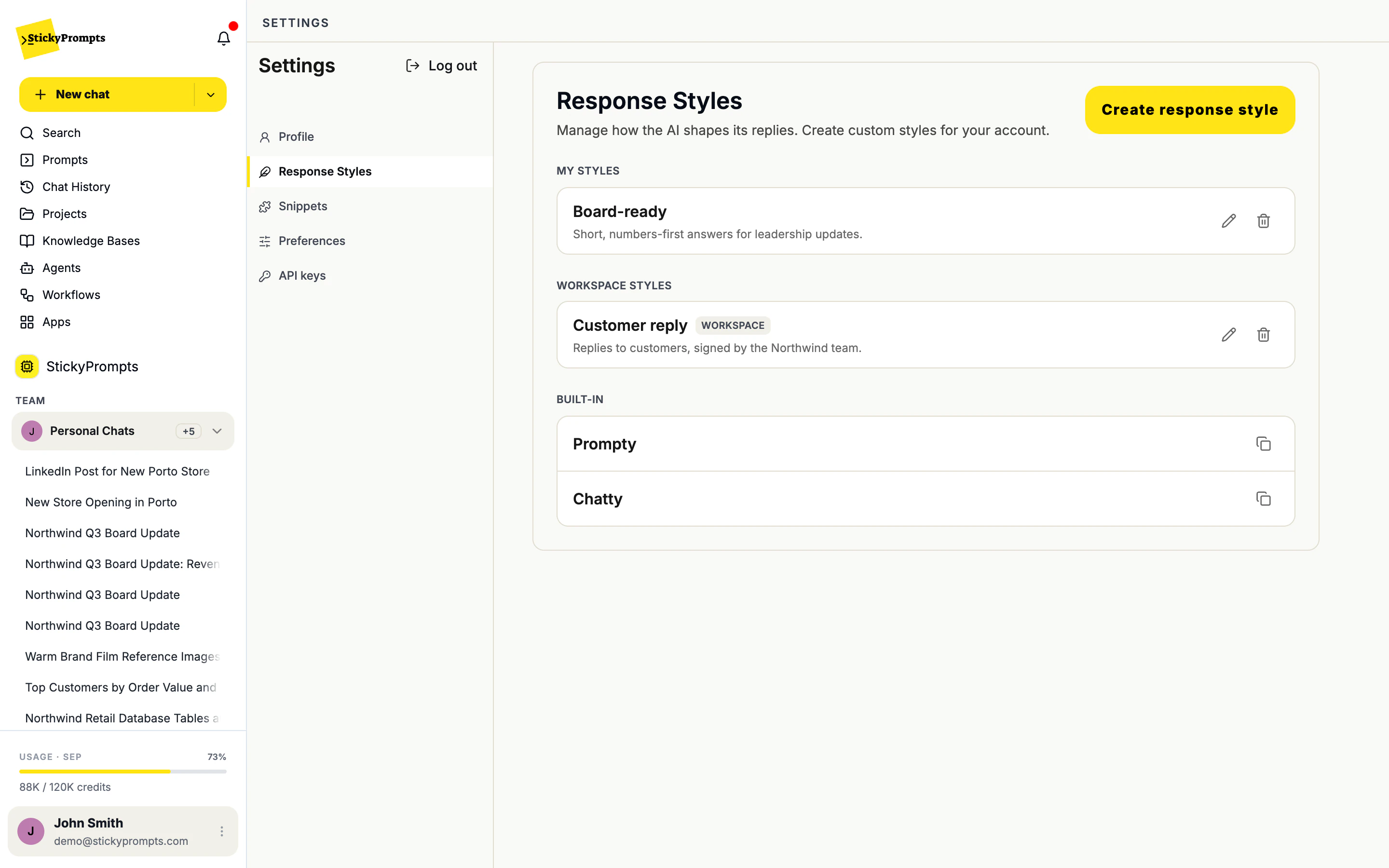
Share a style with the whole workspace and it appears in every member's picker, next to their own. Support replies sound like one team, board updates look the same whoever writes them. Admins manage the shared styles, the workspace prompt and workspace snippets together, under Workspace settings, AI Behaviour.
Asked for Northwind's Q3 board update with the Board-ready style, Claude Opus 5.5 led with one sentence, gave five figures and ended with a single recommendation. The same request in the default style came back as a 379-word report with a table and eight sections. Both are right; only one fits a board pack.
In Settings, Preferences decides how every new chat starts: your preferred model, including the three automatic options, and your preferred style. The same page sets what Enter does in the composer and what happens when you switch models mid-chat.
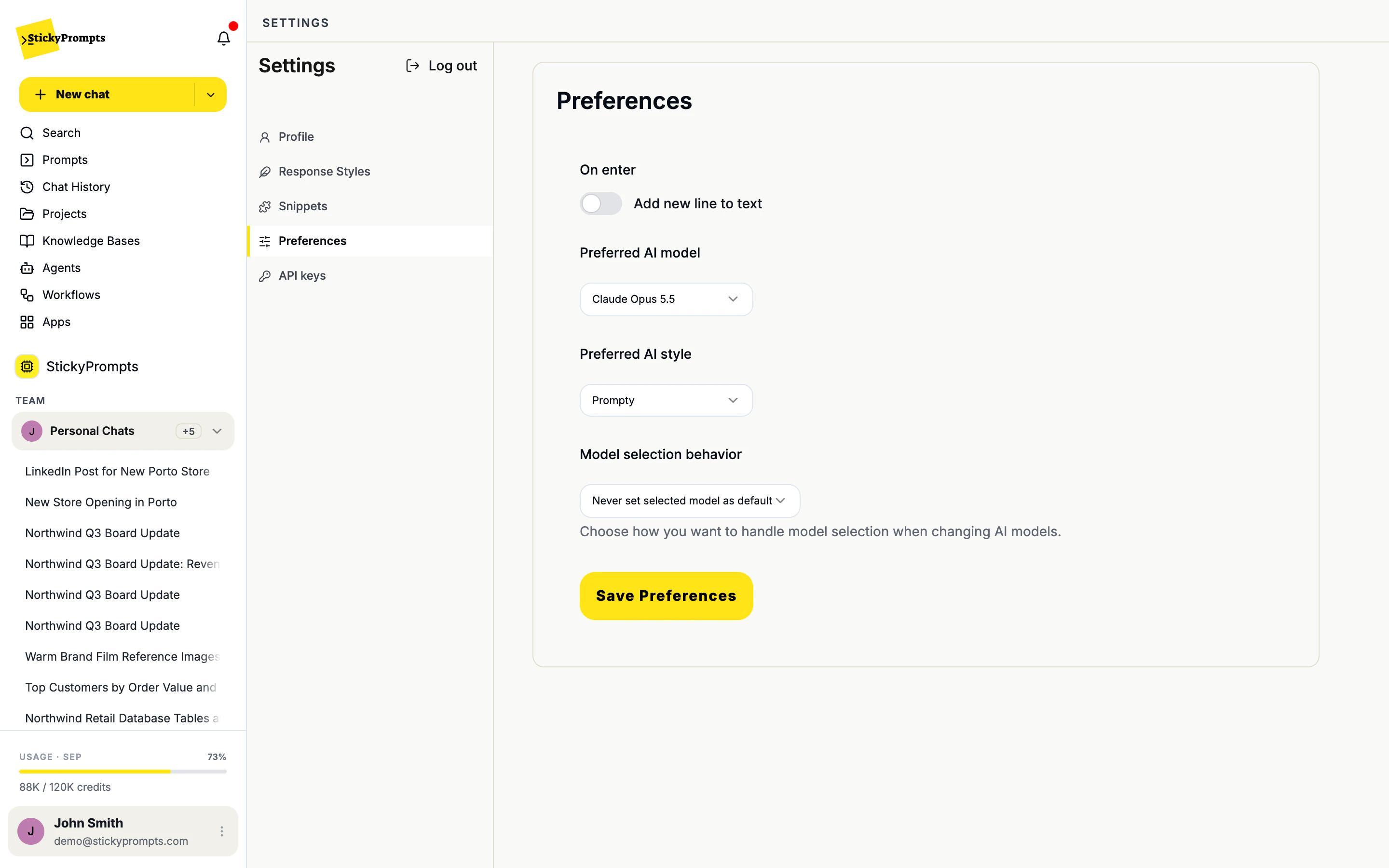
Styles sit next to the model picker, not inside every prompt you write.
Copy the instructions into Create response style and adjust them to how your team writes.
Lead with the answer in one sentence. Then no more than five bullet points, each with a number in it. British spelling. No jargon. Finish with one recommended next step.
Plain English a customer understands on first read. No internal terms or product codes. Short paragraphs. Always end with what happens next and when.
Warm, practical and a little wry. Short sentences. Talk to one person, not an audience. Never use superlatives we can't prove.
Start with the conclusion. Show code only when it helps, with the language named. List assumptions and edge cases at the end.
Explain it as you would to a smart colleague from another department. One analogy at most. End with a question that checks I understood.
Answer as a seasoned retail analyst who has seen it all: confident, direct, generous with opinions, and honest when the data isn't there.
The prompt says what you want; the style says how the answer should read. Keep the task in the prompt and the shape, tone and length in the style, and you can reuse the same style for every kind of question.
Not directly, but you can copy one. Copy to new style opens the built-in's own instructions in a new style you can rename and adjust.
You decide when you create one. Only me keeps it in your own Style picker. Whole workspace puts it in every member's picker, under Workspace. Admins can also add workspace styles under Workspace settings, AI Behaviour.
A prompt in the library can have its own response style. When you start from that prompt, its style is used; otherwise the chat uses the style you picked, or your preferred style.
Yes. The instructions can describe a voice as well as a format: a brand voice, a friendly expert, a sceptical reviewer. Anything you would tell a writer before they start.
Start free with a $5 trial balance. Create one style for the thing you write most, and see how much rewriting disappears.
Cookies, your call
We count visits without cookies either way. If you allow it, we also replay sessions to see where pages confuse people, and let Google and Meta know you visited so our ads reach the right people. How we use them