Ask for the document, get the document.
Pick a template, say what it is about, and StickyPrompts writes the whole thing: the launch announcement, the case study, the one-pager. Then ask for changes in plain words and keep every version along the way.
From a template to a draft you can send.
The Document Editor is one of the apps in StickyPrompts. It keeps the whole life of a document in one place: the brief, the draft, the edits and the finished file.
Start from a template that sets the tone.
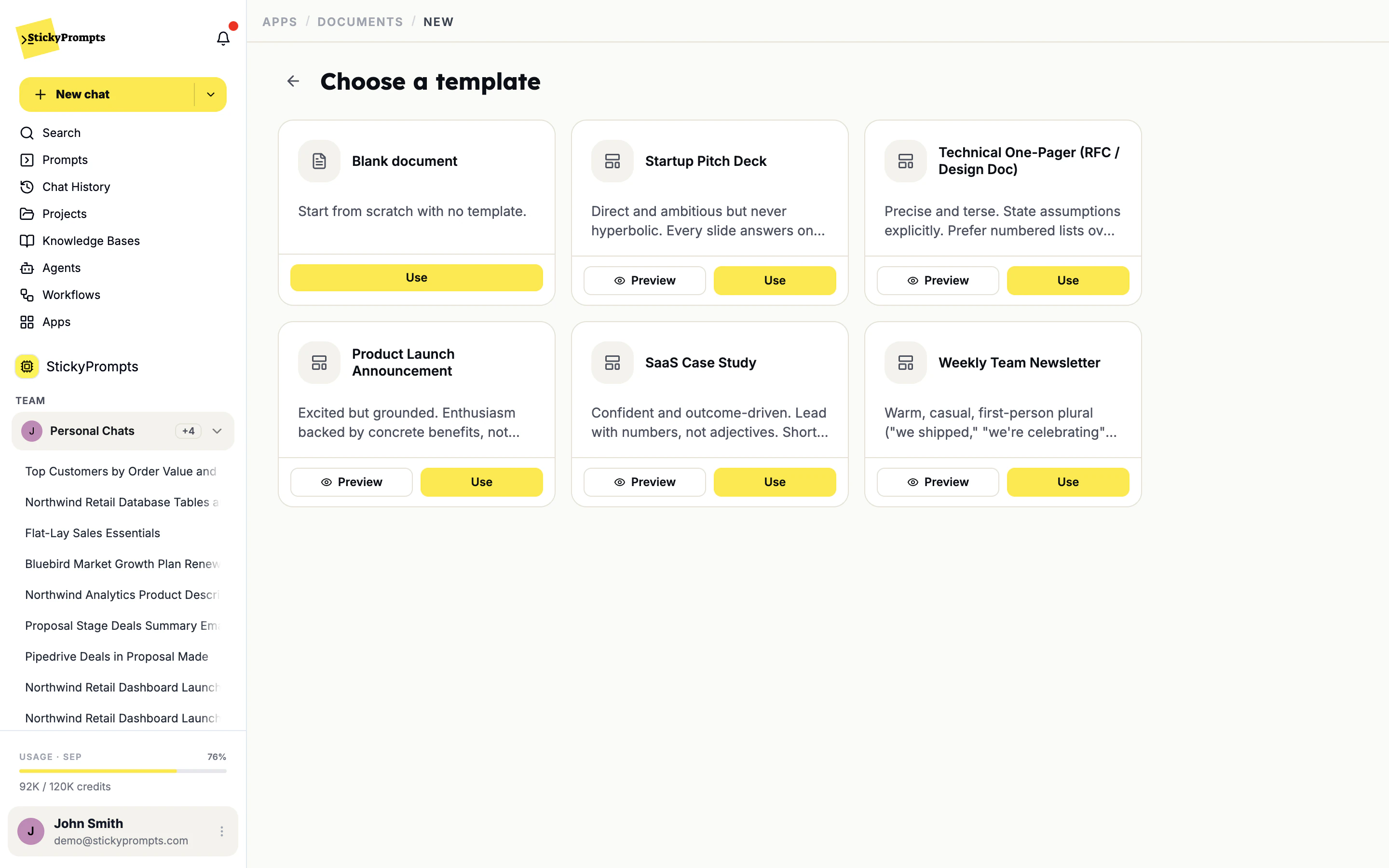
Each template carries its own structure and its own voice. The SaaS case study leads with numbers, not adjectives. The technical one-pager states its assumptions and prefers numbered lists. The newsletter is warm and first-person plural. Preview one, use it, or start blank.
- Pitch deck, case study, one-pager, newsletter, launch announcement
- Preview any template before you use it
- Your own DOCX and PPTX templates: on the roadmap
Ask for changes. Keep every version.
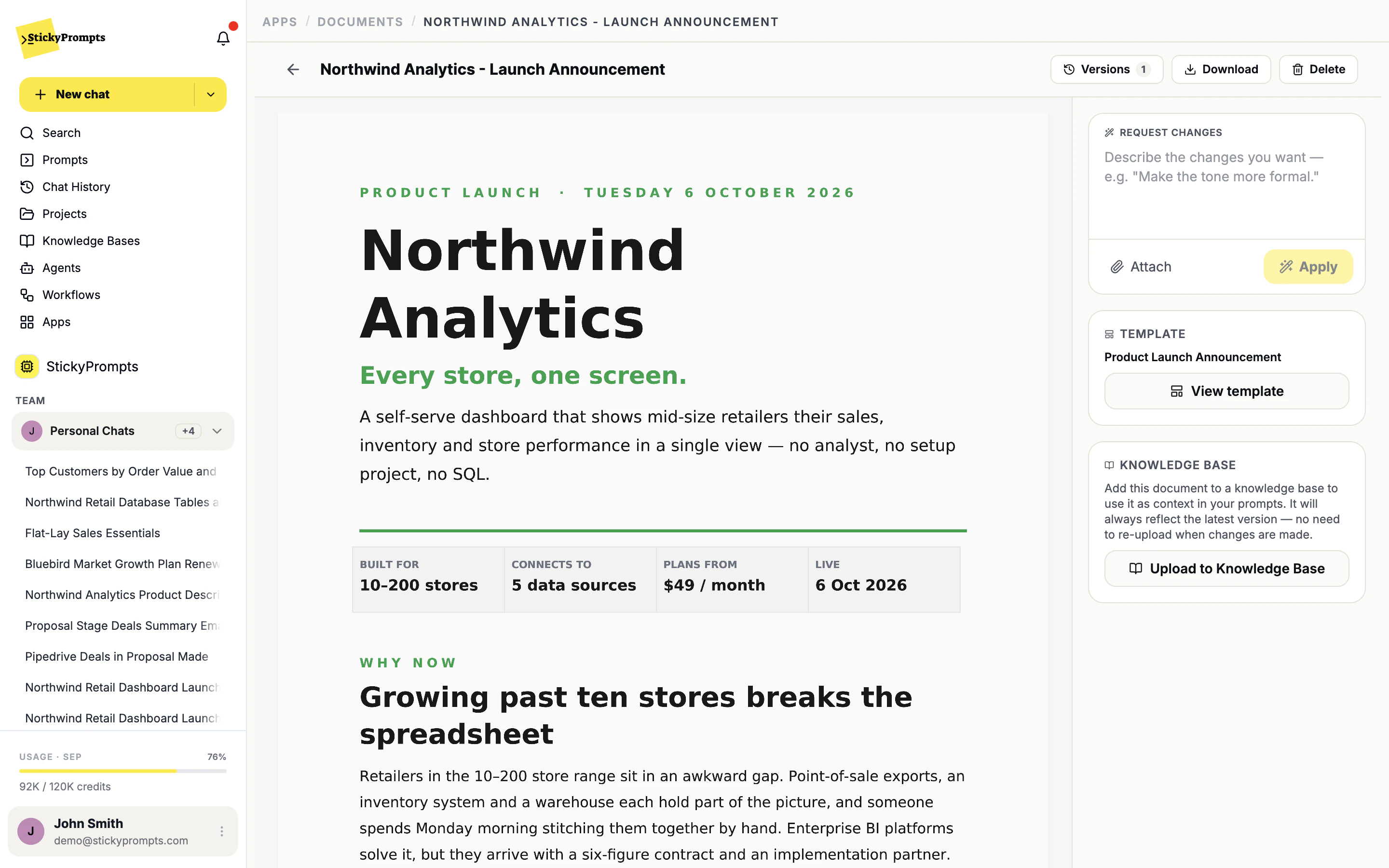
A generated document is a draft you can talk to. Tell it what to change, attach anything it should use, and it rewrites the draft. Every version is kept, the file is one click from download, and one more click adds it to a knowledge base so the next answer can cite it.
- Change requests in plain language, with attachments
- Version history on every document
- Add the finished document to a knowledge base
One prompt, every row.
For the spreadsheet nobody wants to go through line by line: upload the file, write one prompt that refers to its columns, test it on a row, then let it fill a new column for all of them. Translate, categorise, summarise or enrich a whole product catalogue in one run.
- Reference columns as {{A}}, {{B}} in the prompt
- Preview one row before you process the file
- Results land in the output column you choose
- Product launch announcements and release notes
- Customer case studies that lead with the result
- Technical one-pagers and design docs for review
- The weekly team newsletter, from a list of bullet points
- Pitch deck narratives before anyone opens the slides
- Product descriptions for a whole catalogue, row by row in Excel AI
What teams ask about the Document Editor.
What do I actually get back?
A formatted document in the editor: headings, lists and tables in the structure of the template you picked. From there you can request changes, browse the versions, download it or add it to a knowledge base.
Can we upload our own Word or PowerPoint template?
Not yet. Uploading your own DOCX and PPTX templates is on the roadmap. Today you start from one of the built-in templates or a blank document, and each template's tone and structure come with it.
Can it use our own material?
Yes. When you request a change, attach the files it should use - last quarter's figures, a product brief, the notes from a call - and it works them into the draft.
What happens to the earlier drafts?
They stay. Every applied change is a new version, and the Versions menu takes you back to any of them.
Can the rest of the company use the finished document?
Upload it to a knowledge base from the editor. Agents and prompts that use that knowledge base can then quote it, and because the link follows the latest version, later edits reach them without a re-upload.
Your next launch note, drafted before lunch.
Start free with a $5 trial balance. Pick the Product Launch Announcement template and describe what you are shipping.